The best Framework Laptops at every price point
Updated on December 2nd, 2025
Our sales philosophy at Framework is to never run time-based promotions. We want to make sure that our product pricing is stable and predictable, so that you can pick up a laptop, desktop, or module when you need it, knowing that it will always be at the best price available, rather than having to wait for it to come back into a discount. We see this as a healthier and less wasteful approach to e-commerce. You can see all of the new systems we have available in the Framework Marketplace. Along with this, as we launch new products, we apply permanent price reductions on older generations. As we get product returns, we also refurbish and resell them at reduced prices. If we have excess material in our factories, we create factory seconds products at a discount. All of these are available in the Framework Outlet and offer ways to get access to Framework products for less.
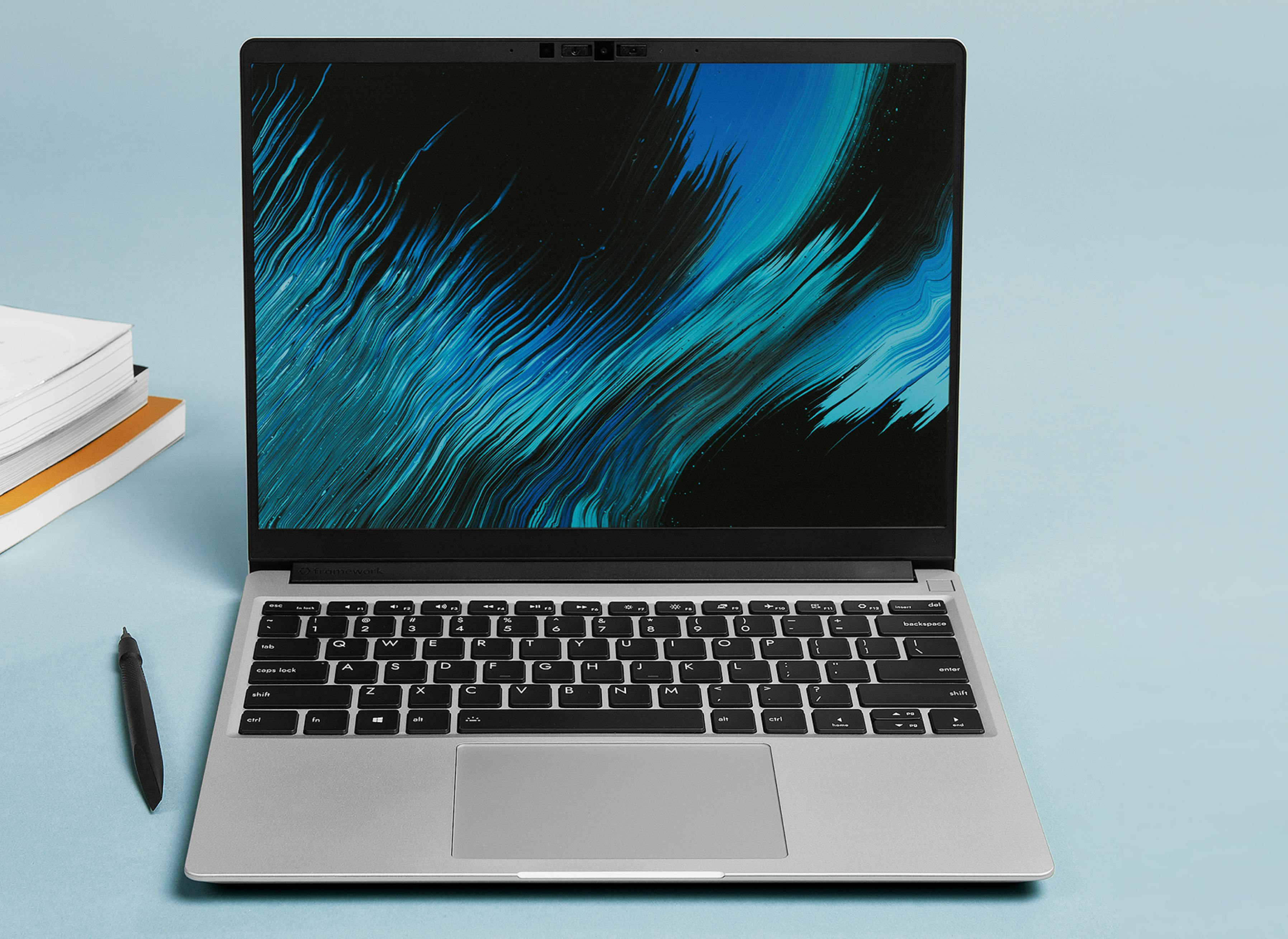
We now have four different product lines at a range of price points: Framework Laptop 12, Framework Laptop 13, Framework Laptop 16, and Framework Desktop. Additionally, we now have multiple generations of Framework Laptop 13 and 16 available, allowing us to offer older generations at lower price points. For example, our lowest-priced Framework Laptop 13 DIY Edition comes with the still highly capable previous generation Ryzen 5 7460U processor starting at $769 USD, while our most recent Framework Laptop 13 with Ryzen AI 300 Series starts at $899 USD.
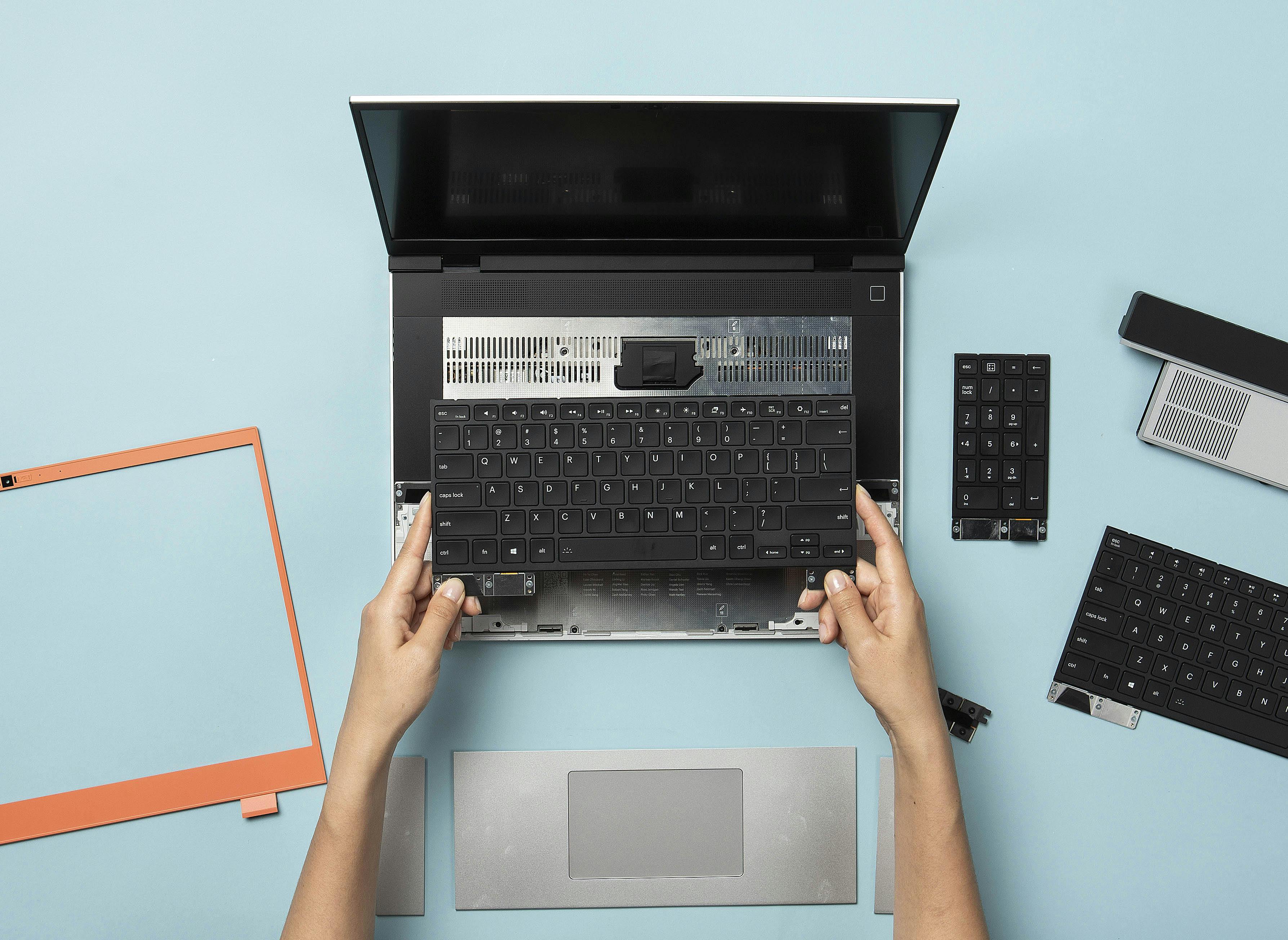
With the Framework product philosophy, the most amazing thing about this is that you can pick up the lowest-end system and upgrade it module by module to get to whichever configuration you need over time. We’d like to share a few combinations to help you figure out how to maximize performance on a Framework Laptop at each price point. If you need help with configuring a Framework Laptop that’s best for your needs, we have a guide for building your own customizable laptop that you can check out. The numbers below are all in USD as reference points.
<$1,000
There are now two great ways to configure a Framework Laptop for well under $1,000. The first is to pick a prior generation Framework Laptop 13 as noted above. This is our core, performance-oriented 13.5” notebook that is optimized for use cases like programming and general productivity. You can also choose a Framework Laptop 12, which starts at just $549 for a DIY Edition with a 13th Gen Intel Core i3-1315U Processor or $699 for an upgraded version with an i5-1334U Processor. The Framework Laptop 12 is a surprisingly capable little general-purpose machine, in addition to having 2-in-1 tablet functionality with touchscreen and stylus support for creator use cases.
You can either purchase memory, storage, and a power adapter from us or find deals for these in the open market and bring your own. For an Operating System, Linux distributions like Ubuntu and Fedora are both free and open source, making them a great choice to save money.
$1,500
This is around the midpoint for Framework Laptop 13, and the range where we see the most orders coming in. There are several great options in this range with enough performance to handle just about any workload and provide headroom for longevity. AMD and Intel configurations, you can configure a DIY Edition around $1,500 with a Core 7 or Ryzen 7 processor, 2x8GB of memory, a 1TB SSD, and four Expansion Cards if you bring your own OS and power adapter. This is also where the Framework Laptop 16 DIY Edition starts, if you need a high-performance system with a larger, 16-inch screen.
You can also configure an excellent Framework Desktop setup with 32GB of memory and an 8-core CPU for under $1,500, or 64GB of memory and a 16-core CPU for a little over $1,500. The Framework Desktop enables AI, gaming, and general workstation use cases with its highly capable CPU, integrated GPU, and wide memory bandwidth.
>$2,000
This is where some amazing possibilities start to open up on Framework Laptop 16, enabling gaming, graphics, and creation use cases. You can configure a Framework Laptop 16 DIY Edition with a Ryzen AI 300 Series and Radeon RX 7700S discrete graphics starting just under $2,000, or upgrade to NVIDIA RTX 5070 graphics starting around $2,200.
If you want maximum performance and capability in a highly portable system, the Framework Laptop 13 DIY Edition offers some extreme possibilities too. For example, you can configure a Framework Laptop 13 DIY Edition with a Ryzen 9 processor, 4TB of storage, 96GB of DDR5, Windows 11 Pro, and extra Expansion Cards for around $2,500. You can also get pre-built configurations with up to 32GB of memory and 1TB of storage if you prefer a system that is ready to go out of the box. There are a range of real world use cases where it’s critical to have a colossal amount of memory and storage along with the highest-end CPUs, so we’re not going to judge you if you go all out!
Finally, the fully loaded Framework Desktop configuration starting at $1,999 is a killer machine for AI use cases, with 128GB of LPDDR5x enabling some of the most capable open source LLMs like gpt-oss-120b.
Of course, the most cost-effective and planet-friendly option is to continue to use the laptop or desktop you already have and repair it to the extent possible to make it work for longer. Once you reach the end of that road though, we’re here for you with a product designed to be easy to upgrade and repair.