


Finally, a couch keyboard that you want to use
Framework Wireless Touchpad Keyboard is a compact, sturdy keyboard for your media PC, Raspberry Pi, or any computer across the room. Connect up to four wireless devices over Bluetooth® wireless technology or the USB-A Dongle, or plug in with USB-C to type wired and recharge. Replaceable parts keep it running for years, and open-source ZMK firmware lets you make it your own.
Framework Wireless Touchpad Keyboard
US English ANSI
Flexible connectivity
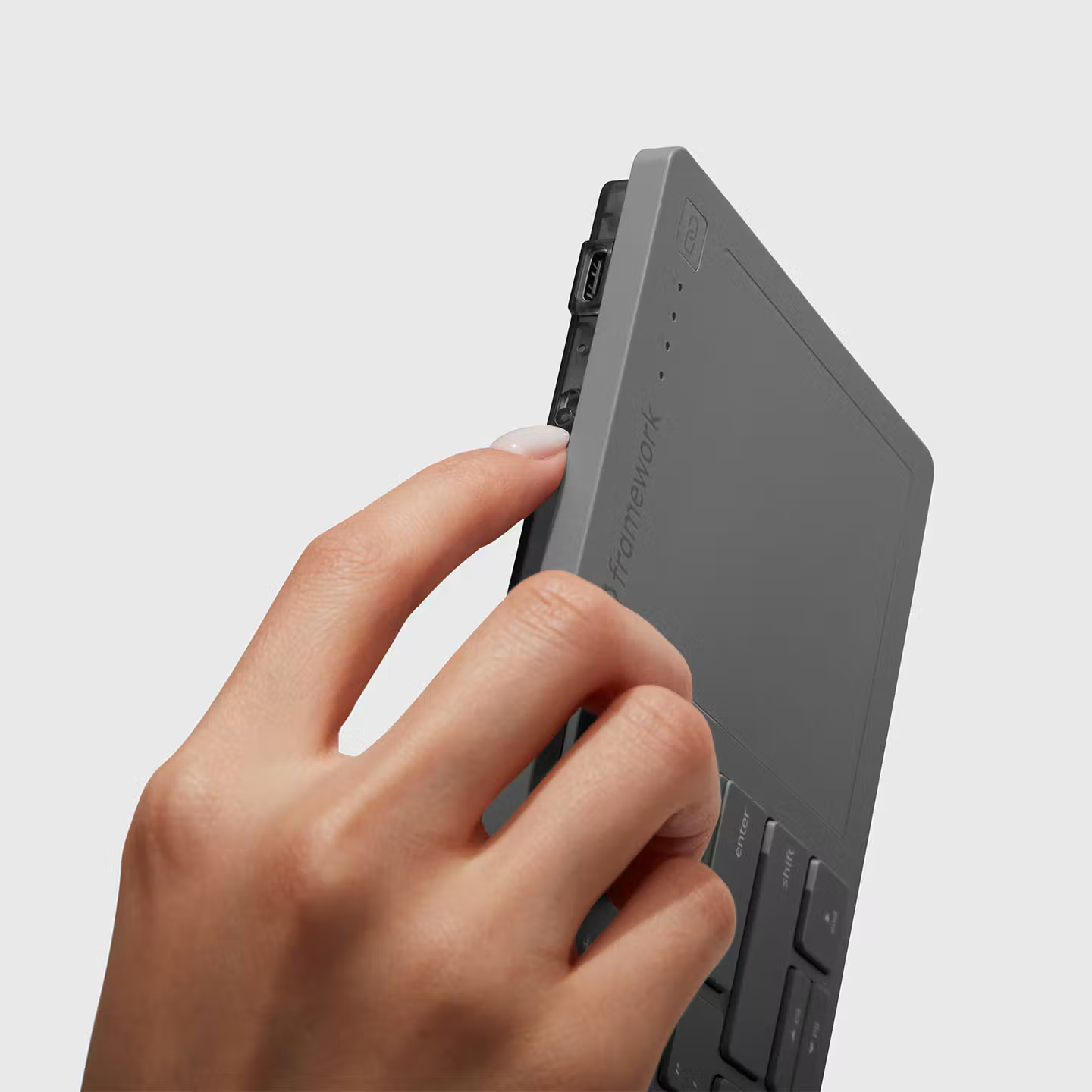
Save up to four devices as wireless profiles over Bluetooth 6.0 or the USB-A Dongle, and switch between them with a single press. You can also plug in with USB-C for a wired connection. The USB-A Dongle and wired USB-C work from power-on, so the keyboard is ready for BIOS setup too.

Long-lasting battery
ϟ Get over a month of battery life with daily use, and over a year when idle. Recharges over USB-C.
Compact and sturdy
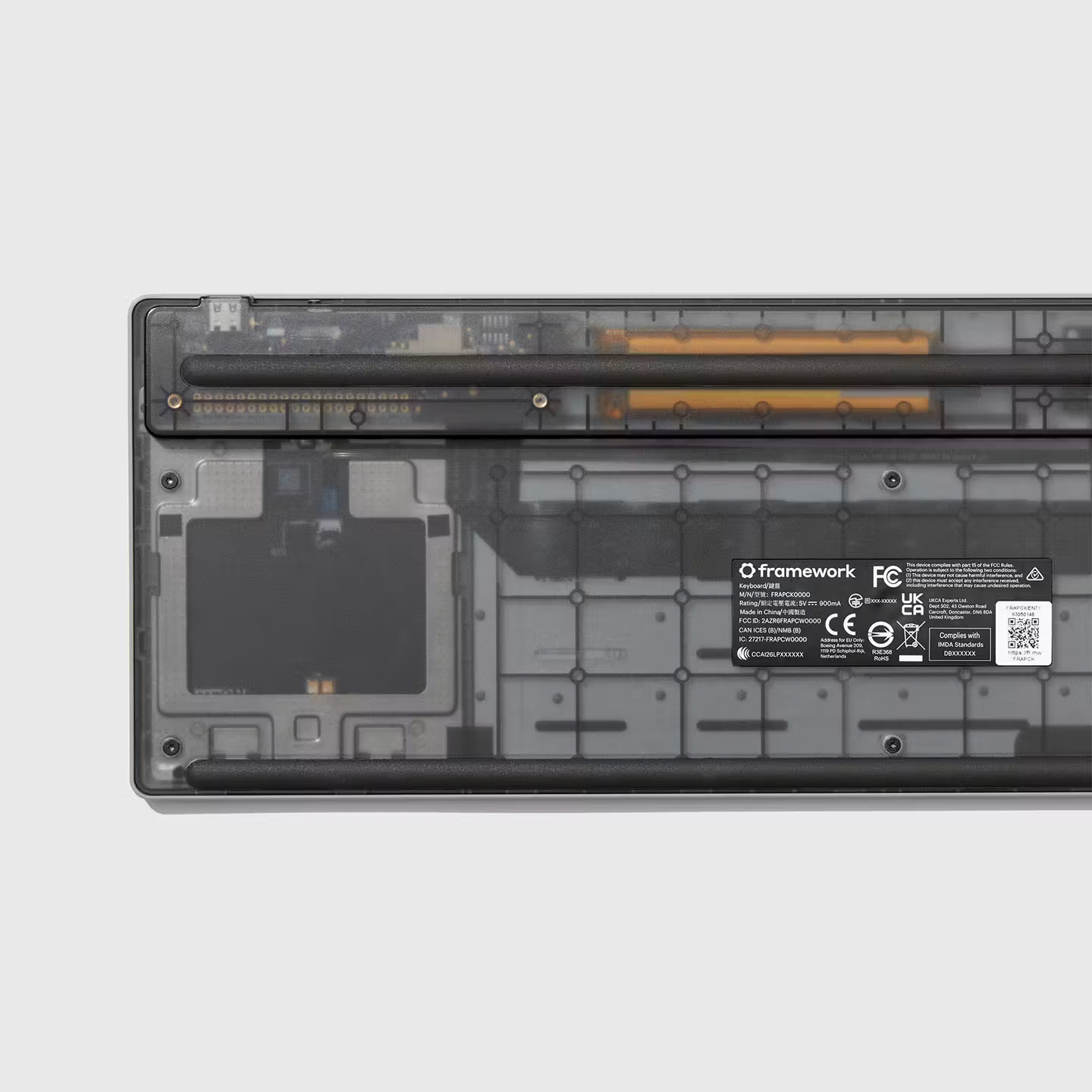
A 0.8mm steel plate runs under the keys, so the keyboard stays flat and solid, even on your lap. The top and bottom covers are made from post-consumer recycled plastic, and the keyboard is compact enough to fit wherever you sit.
Feels as good as your favorite laptop keyboard
We took the keyboard from our own laptops and built it into this one, so typing from the couch feels like typing on a laptop. The 68.8 x 85.6mm touchpad tracks smoothly and supports multi-finger gestures on Windows, Mac, and Linux.

“I’ve been begging for a replacement for this keyboard [the Logitech K400] for as long as I can remember, and for some reason they decided to listen, and now we have a proper replacement. I couldn't be happier. I'm buying as many of these things as they let me.”
Works with (almost) everything you have
The Framework Wireless Touchpad Keyboard works with your TV setup or HTPC, with Linux and Windows on your Framework Laptop, Framework Desktop, mini PC, home server, or Raspberry Pi, and even with your Mac in Mac Mode! It also pairs with tablets and phones, and for gaming it works with PS5, Xbox, docked handheld PCs, sim rigs, and the Steam Machine.

Built for where you use it

Living room
Run your HTPC from the couch, whether you’re searching your library, signing in, or handling the pop-ups your controller can’t. With more than 10m of wireless range, it easily reaches your TV from across the room.
Workbench
Connect it to a headless server, mini PC, or Raspberry Pi, and it’s ready from power-on, so BIOS setup doesn’t mean hunting for a spare keyboard.
Desk
Use one keyboard and touchpad for your work laptop, tablet, and gaming PC, and switch between them with a single button press.
Sim rig
Handle setup, chat, and menus from your seat without reaching for a mouse, and download the open CAD files from GitHub to design or 3D print a mount that fits your cockpit.
Sized for your setup
The keyboard and touchpad share one compact chassis, so it sits comfortably on your lap, a sim rig tray, or a narrow desk shelf. It stays rigid wherever you put it, and the profile tapers toward the front edge for a natural typing angle.

Made to last
We designed this keyboard the same way we design our laptops, with parts you can replace and firmware you can keep updating. The battery is rechargeable, and if you need a new one, you can pick it up in the Framework Marketplace, along with a new USB-A Dongle if you lose yours. Keeping the firmware up to date is just as easy. Updates install from a Framework web page in Chrome or Edge with just one click.

Made to be yours
ZMK Firmware
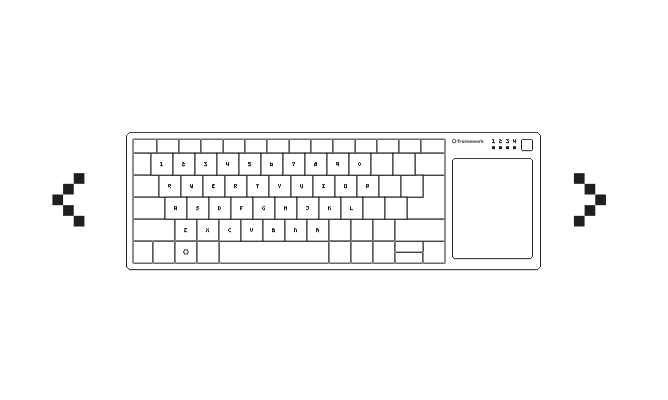
Remap keys with ZMK Studio in your browser, with no reflashing required. When you want to go deeper, the firmware is an open-source fork of ZMK, so you can edit the config directly and change anything the tool doesn’t cover.
Control Board
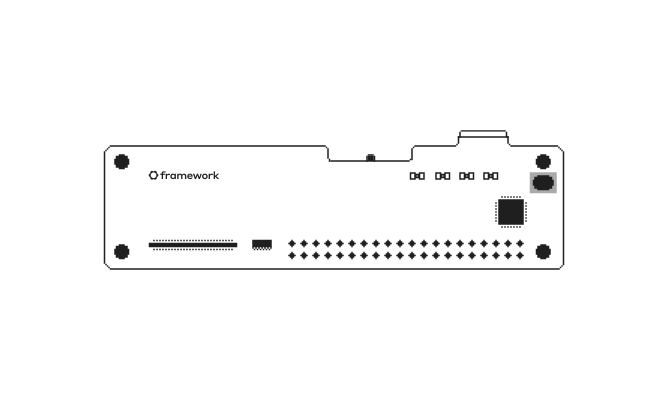
The Control Board is sold on its own, built around a Nordic nRF54LM20A with 28 GPIO pins on a socketable 0.1" header. Its schematic, pinout, and bootloader will be published on GitHub, ready for you to make it the brain of your own custom keyboard.
USB-A Adapter Expansion Card coming soon
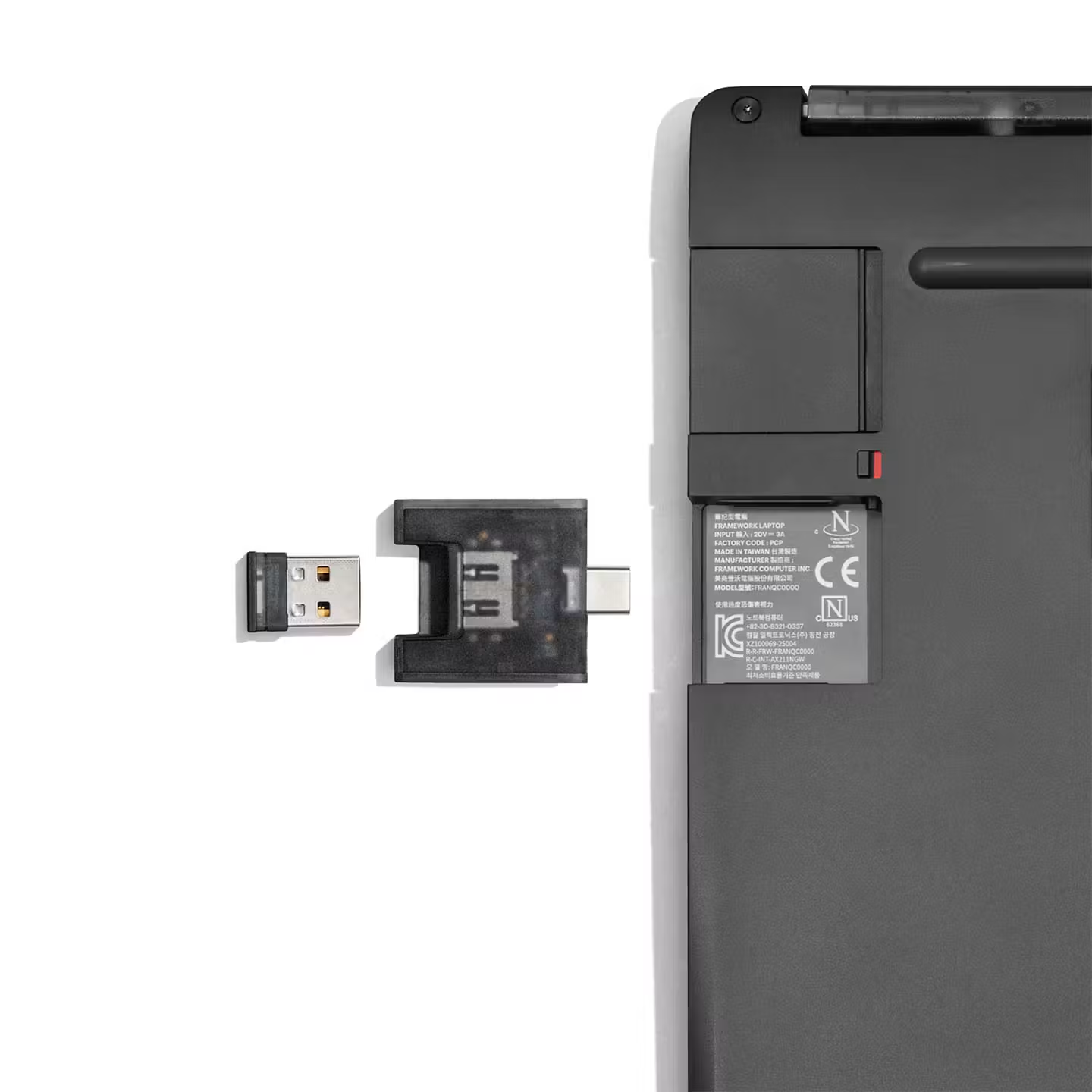
Plug the Dongle into the USB-A Adapter Expansion Card (sold separately) to keep it flush and out of sight in your Framework computer. It works with USB-A dongles from other brands too.
Looking for a keyboard in a different language?
Meet the rest of the Framework lineup

The Framework Wireless Touchpad Keyboard is built on the same ideas as everything else we make. The CNC aluminum Framework Laptop 13 Pro, the ultra-customizable Framework Laptop 16, the 2-in-1 Framework Laptop 12, and the compact Framework Desktop are each repairable, upgradeable, and entirely yours.

Make it yours
Framework Wireless Touchpad Keyboard
US English ANSI
ϟ
Battery life may vary depending on your usage modes and operating conditions.