


Configure once. Upgrade whenever ❤
Framework Laptop 16 is an endlessly customizable laptop with upgradeable graphics, powered by NVIDIA® GeForce RTX™ 5070 and AMD's latest Ryzen™ AI 300 Series processors.
Configure once. Upgrade whenever ❤
Framework Laptop 16 is an endlessly customizable laptop with upgradeable graphics, powered by NVIDIA® GeForce RTX™ 5070 and AMD's latest Ryzen™ AI 300 Series processors.
Using your Framework Laptop 16
Setting up your DIY Edition
Build your laptop in 10–20 minutes.

-
Framework Laptop 16
DIY Edition (AMD Ryzen™ AI 300 Series) Go to guide, Framework Laptop 16DIY Edition (AMD Ryzen™ AI 300 Series) -
Framework Laptop 16
DIY Edition (AMD Ryzen™ 7040 Series) Go to guide, Framework Laptop 16DIY Edition (AMD Ryzen™ 7040 Series)
Setting up your pre-built
Set up your laptop in 5–10 minutes with Windows pre-installed.

- Framework Laptop 16 pre-built quick start guide Go to guide, Framework Laptop 16 pre-built quick start guide
Installing Windows and Linux
Choose which OS to install on your DIY Edition laptop.

- Installing Windows Go to guide, Installing Windows
- Installing Linux Learn more, Installing Linux
Downloads
Download the driver bundle and firmware updates.
Install your modules
Input Modules
Configure hot-swappable Input Modules like a Keyboard, Numpad, Macropad, or Spacers.
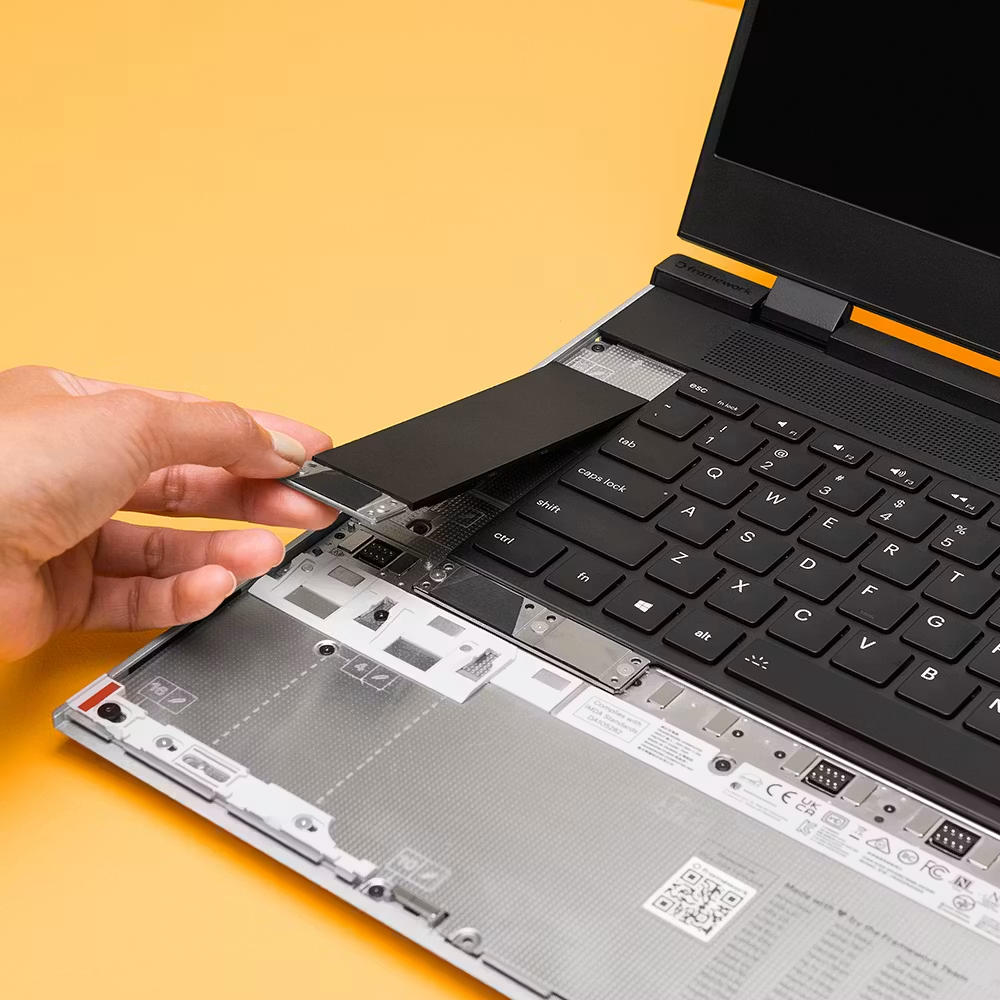
- Possible Input Module combinations Learn more, Possible Input Module combinations
- Input Module installation guide Go to guide, Input Module installation guide
Expansion Cards
Learn how to insert, remove, and choose your ports to fit our compatibility guidelines.

- Check your Expansion Card slot compatibility Learn more, Check your Expansion Card slot compatibility
- Expansion Card installation guide Go to guide, Expansion Card installation guide
Expansion Bay Modules
Expansion Bay Modules can drastically expand your laptop’s functionality and performance. The Graphics Module and Expansion Bay Shell can be swapped in minutes.

- Expansion Bay Shell installation guide Go to guide, Expansion Bay Shell installation guide
- Graphics Module installation guide Go to guide, Graphics Module installation guide
- Performance tuning Learn more, Performance tuning
Customize your laptop
Keyboard, Numpad, and RGB Macropad
Use the default key map or customize your keys with up to four layers.
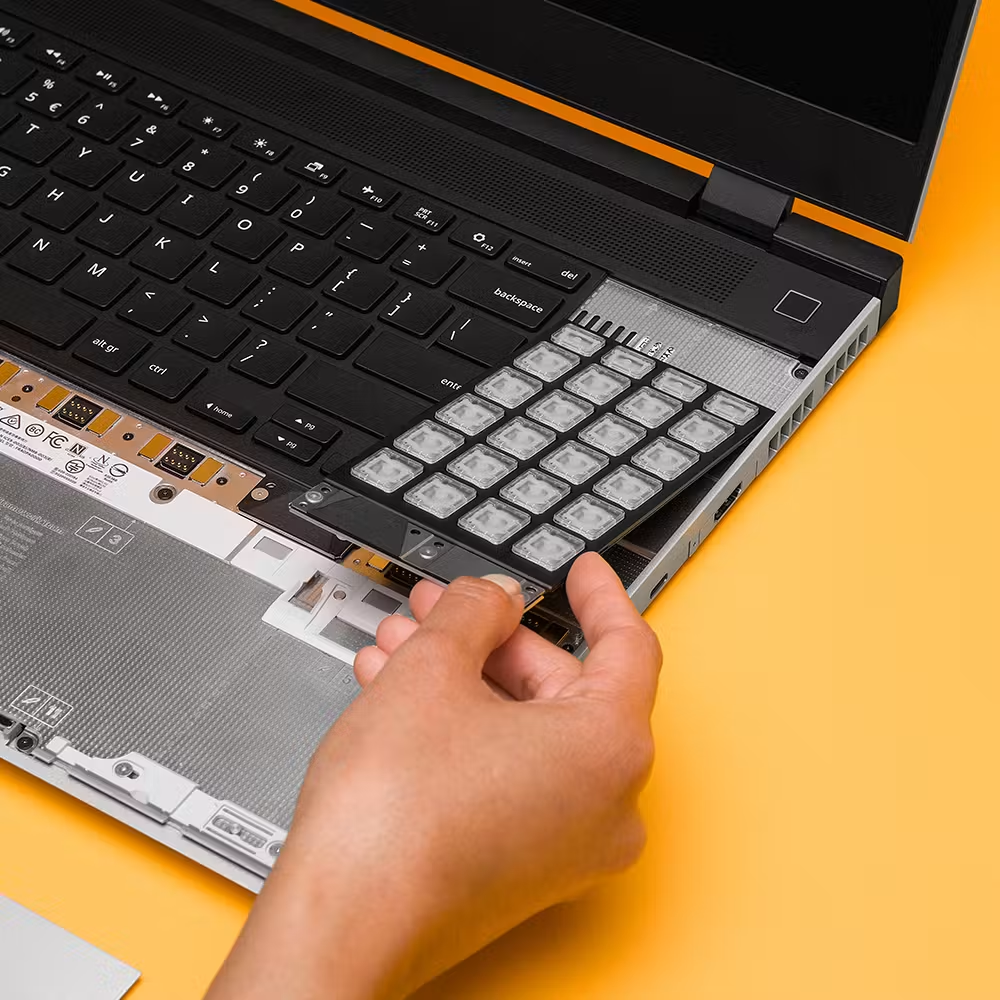
- Hotkeys on the Framework Laptop 16 Keyboard Learn more, Hotkeys on the Framework Laptop 16 Keyboard
- Default keymap for the RGB Macropad Learn more, Default keymap for the RGB Macropad
- Default keymap for the Numpad Learn more, Default keymap for the Numpad
- Customize keymap and RGB lighting Customize, Customize keymap and RGB lighting
LED Matrix
Draw your own LED design with the online drawing tool (beta) or unlock more functionality with the downloadable config app (beta).

- Online drawing tool (beta) Start drawing, Online drawing tool (beta)
- Configuration app for Windows (beta) Download for Windows, Configuration app for Windows (beta)
- Configuration app for Linux (beta) Download for Linux, Configuration app for Linux (beta)
Upgrade and repair
Framework Marketplace
Pick up new modules for upgrade, replacement, and customization.
- Order a Graphics Module Pre-order now, Order a Graphics Module
- Upgrade your Power Adapter Pre-order now, Upgrade your Power Adapter
Framework Outlet
On a budget or just looking to save? Explore some of our refurbished and factory seconds options at discounted prices.

Step-by-step guides
Find a guide to repair or replace any part.
- Replace your Display Go to guide, Replace your Display
- Swap your Graphics Module Go to guide, Swap your Graphics Module
- Install your Dual M.2 Adapter Go to guide, Install your Dual M.2 Adapter
- Switch your Mainboard Go to guide, Switch your Mainboard
Developer resources
Hardware development
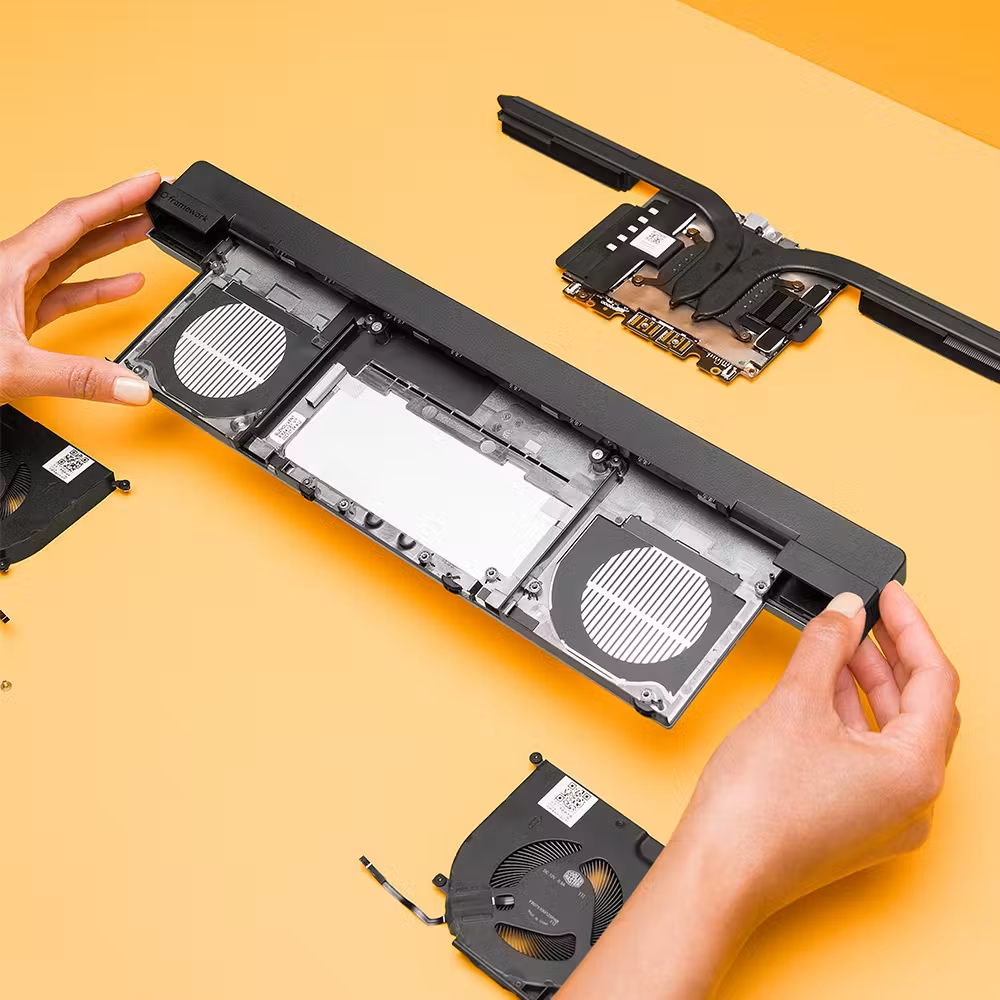
Open source CAD and reference designs to get started on building custom modules.
- Expansion Cards Go to GitHub repository, Expansion Cards
- Input Modules Go to GitHub repository, Input Modules
- Expansion Bay Modules Go to GitHub repository, Expansion Bay Modules
Developer community forum
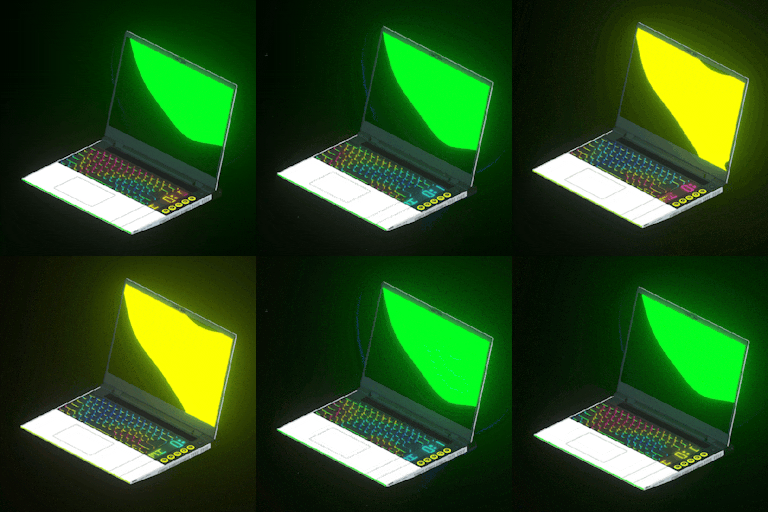
Share projects and ideas to create new modules and re-use Framework parts.
Software development
Open source firmware and utilities to customize the functionality of your modules.
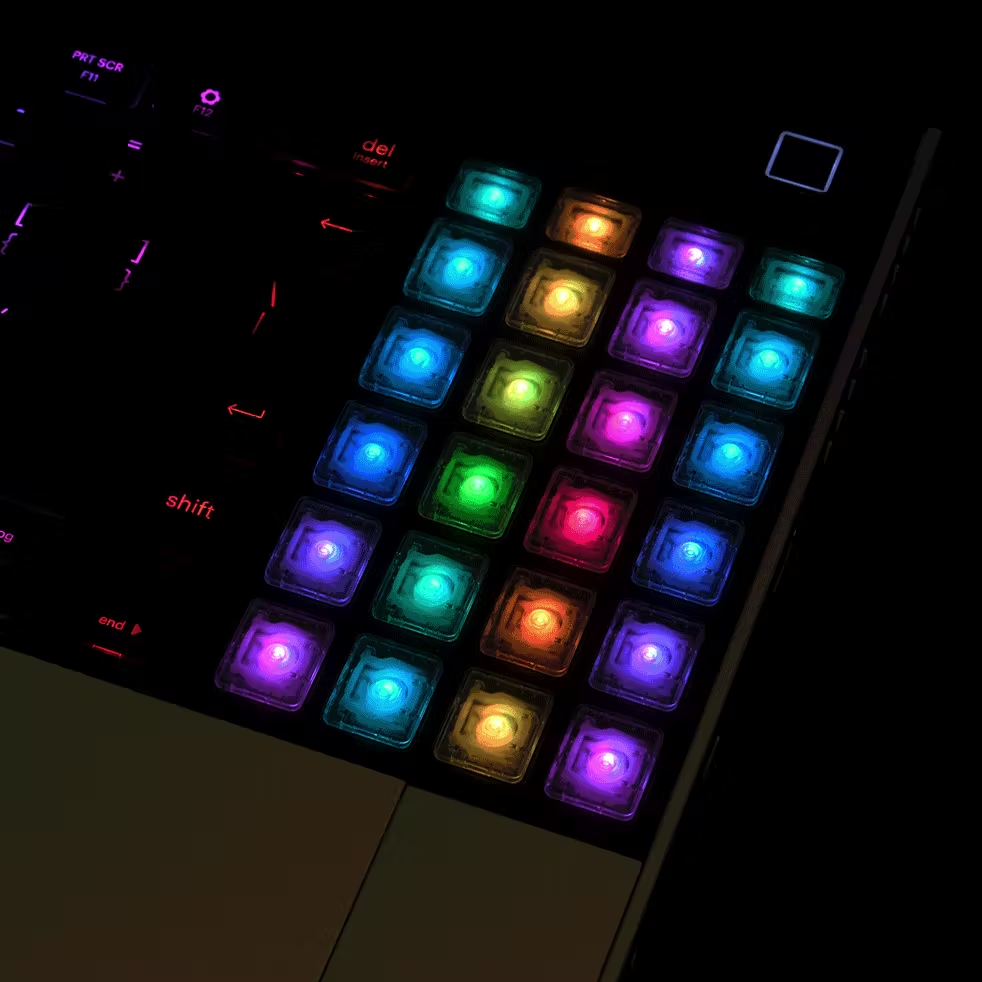
- LED Matrix Go to GitHub repository, LED Matrix
- Keyboard and RGB Macropad Go to GitHub repository, Keyboard and RGB Macropad
- Embedded controller Go to GitHub repository, Embedded controller
Need help?
Knowledge Base
A collection of frequently asked questions around Framework products.
Community
Online forum for questions, projects, support help, and more.
Framework for Business
Volume ordering for businesses or schools.
Framework Laptop safety & compliance manual
Still have questions?
We’re here to help!