Framework Laptop 12, now with Core Series 3
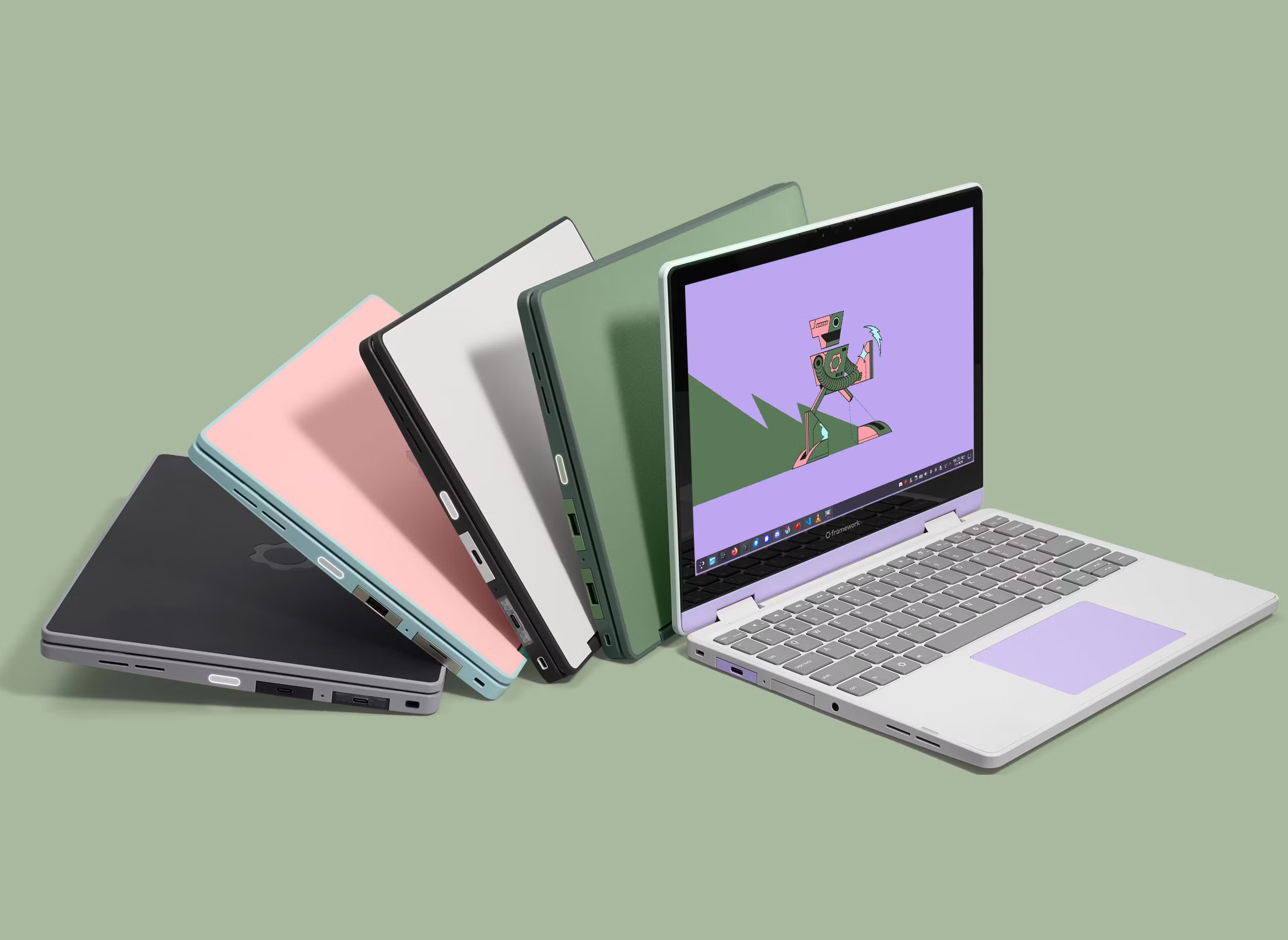
Today, we’re excited to announce the new Framework Laptop 12 with Intel’s latest Core Series 3 processors, Thunderbolt 4, Wi-Fi 7, options for fingerprint reader and backlit keyboard, and for the first time, a pre-built version with Fedora Linux preloaded. Pre-orders are open today, with Batch 1 shipping in October. We also uploaded two videos to the Framework YouTube channel today: an overview of everything that’s new along with a technical deep dive video where we upgrade an original Framework Laptop 12 part by part to the new generation.
Framework Laptop 12 is our colorful, little, durable 12.2” convertible laptop. Across our line-up, it’s the system that is consistently the most loved (going by average Net Promoter Score in our customer surveys) and the one that historically has the highest percentage of Linux usage. It’s also the product that personally brings me the most joy to use day-to-day. With the new version, we’re keeping what you love, including all five fun colorways and the touchscreen with stylus support, and improving on performance and efficiency, day-to-day usability, and the out-of-box Linux experience.
Intel’s new Core Series 3 processor platform is truly the perfect fit for Framework Laptop 12. We have Core 3, Core 5, and for the first time, Core 7 configurations available. When we launched the original Framework Laptop 12 last year, we brought in 13th Gen Intel Core processors to hit the necessary price and performance balance. Core Series 3 is purpose built for smaller, lower-power, entry-priced laptops. Unlike past processors for the entry segment, that doesn’t mean compromising the architecture. Core Series 3 is essentially a shrunk down version of the Core Ultra Series 3 platform we use on Framework Laptop 13 Pro. It uses the same Cougar Cove P-cores, Darkmont LP-E cores, and Xe3 graphics cores, just in a reduced core count. Because the P-cores are the same, for many workloads that are single-thread-bound, incredibly, the performance is nearly the same between Core 5 Framework Laptop 13 Pro and the Core 5 Framework Laptop 12. The Intel 18A process node is even common between the two processors, enabling excellent efficiency, which improves battery life, surface temperatures, and fan noise. In early testing with Core 5 320, we’re seeing a 70% increase in Netflix 4k streaming battery life over the Core i5-1334U in the original Framework Laptop 12.
Core Series 3 enables awesome improvements across the system. The rear two Expansion Card slots now support Thunderbolt 4, enabling you to plug in high-speed peripherals like eGPU’s or two 4k 60Hz displays. The front two slots are now only USB 3.2 Gen 2, but all four slots still support power input for charging. Core Series 3 also supports higher-speed DDR5, up to 6400 MT/s. As before, this comes in the form of an upgradeable SO-DIMM module with up to 64GB capacity. This generation, we have Wi-Fi 7 R2 with Intel’s new BE213 radio, also as a replaceable M.2 module. Storage compatibility remains the same, with up to 2TB of modular M.2 2230 NVMe storage.
Customer research is a core part of our product development process. We dig through reviews and community forums and send surveys to laptop purchasers who opt in, all to get as much feedback as we can about the day-to-day usage experience and what we can do better. Two of the most common asks from Framework Laptop 12 customers and reviewers were for fingerprint reader support and a backlit keyboard. This generation, we’ve enabled both as options. The fingerprint reader is built into the power button on all Core 5 and Core 7 configurations. The new US English backlit keyboard comes standard on Fedora pre-built Core 5 and Core 7 systems, and is an option on any DIY Edition. On the backlit keyboard, we’ve also switched to a reprogrammable keyboard controller using open source ZMK firmware. We’ll be moving to that controller and firmware on each language of non-backlit keyboard over time.
Another key learning from our customer research was just how popular Linux usage is on Framework Laptop 12. Almost 80% of Framework Laptop 12 owners are running Linux across a range of distros. This was a clear signal to us that we should push even further on Linux ease of use. This generation, we’re introducing pre-built configurations with Fedora 44 KDE Plasma Desktop pre-loaded. This means you can get up and running on Linux right out of the box with no further setup needed. We’ve been working closely with the teams at Fedora and KDE to make sure the experience is excellent:
“The Fedora KDE Plasma Desktop contributors work hard to make the Fedora KDE Plasma Desktop edition the premier KDE experience for users. It's great to see Framework customers have the choice to have it pre-installed.” - Jef Spaleta, Fedora Project Lead
“It's really exciting to see this device become the first Framework device to ship with KDE and Plasma software. We have put a lot of effort into making sure our software is fun to use with touch and pen input.” - Aleix Pol, President of KDE e.V.
We continue to seed pre-release hardware to a range of additional distro partners like CachyOS and Bazzite to ensure that support is ready when we ship. Note that because Core Series 3 and BE213 are very new, you’ll need a distro with kernel 7.1 or newer. The fingerprint reader uses a new sensor for us, and we’ve already integrated support into libfprint. You can follow along on our Linux page to see which distros have the necessary kernel and libfprint versions, and as always, we’ll publish guides for officially supported distros.
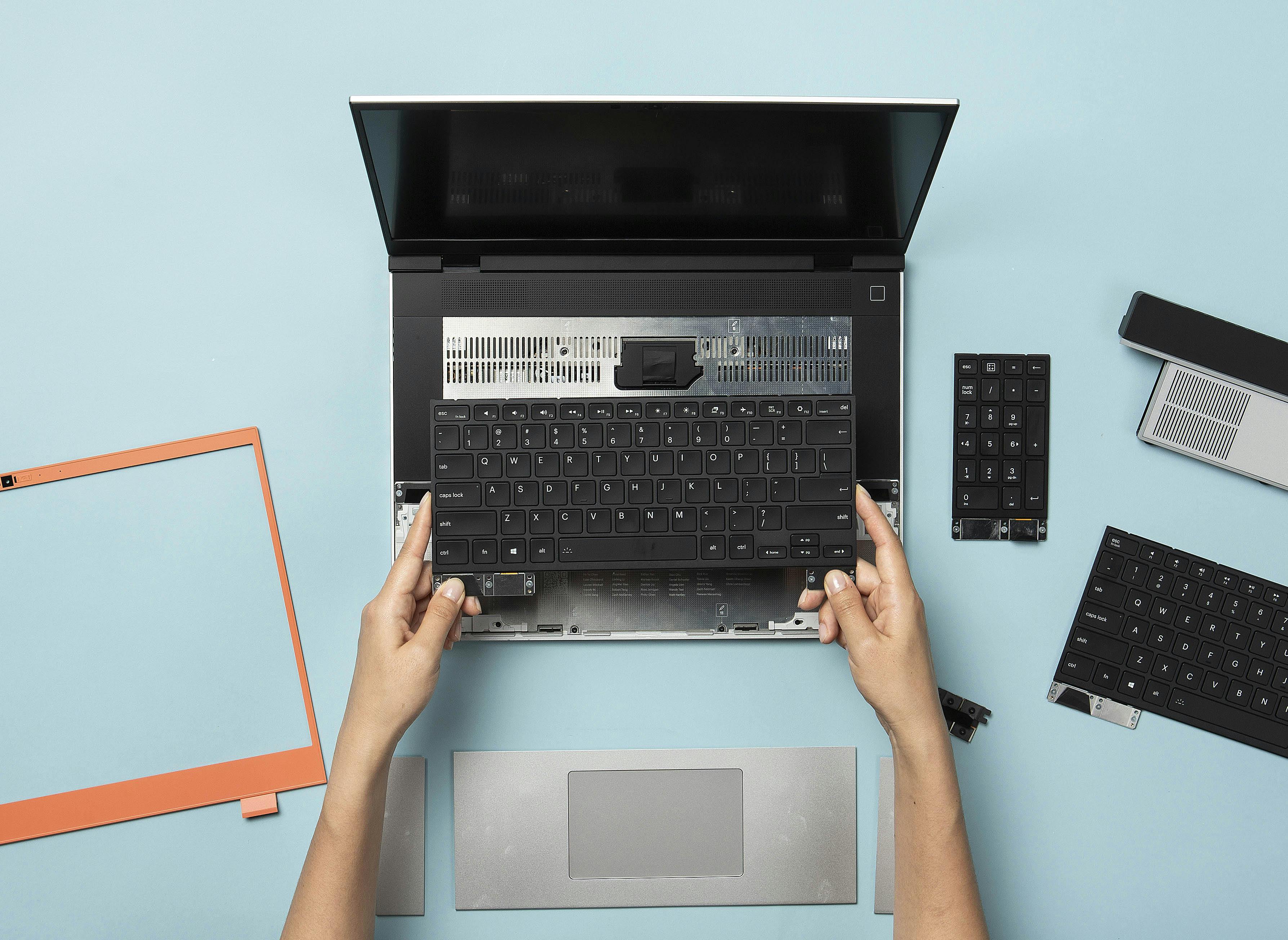
Framework Laptop 12 is our easiest product to repair and upgrade, taking all of the learnings from the laptops we designed before it. The new Core Series 3 Mainboard (available for pre-order today), fingerprint reader, and backlit Input Cover are all backwards compatible with the original generation and simple to swap in. Framework Laptop 12 also remains our most affordable laptop. The new pre-built configurations preloaded with Fedora Linux start at $699 USD. The original Framework Laptop 12 is a great entry point into long-lasting, Linux-friendly computers too, with the DIY Edition now starting at $499 USD. Especially in the current silicon environment, we want to make sure a computer that respects your rights is as available to you as possible. We designed Framework Laptop 12 to hit that mark, and we’re excited to see what you think of it!
Control Board Developer Program
We have one other update today, around the Framework Wireless Touchpad Keyboard. When we previewed it in April, we shared that part of what makes it special is the Control Board that powers it, using Nordic’s latest nRF54LM20A wireless microcontroller and open source ZMK-based firmware. We designed the Control Board to be a repurposable module for keyboard makers and DIYers. We opened applications for a Control Board Developer Program to get pre-production modules in the hands of developers who can help test and provide feedback on it ahead of us making it available for sale. We recently produced a batch of these modules, and we’ll be selecting developers to send them to shortly. If you’re interested, get your application in by August 31st.