


This isn’t our computer.
It’s yours.
Updated for 2025 with AMD's latest Ryzen™ AI 300 Series processors, with up to 12 CPU cores.
This isn’t our computer.
It’s yours.
Updated for 2025 with AMD's latest Ryzen™ AI 300 Series processors, with up to 12 CPU cores.
Framework Laptop 13 is a thin, light, and fast 13.5” notebook that is simple to customize, upgrade, and repair, so it stays yours for longer.
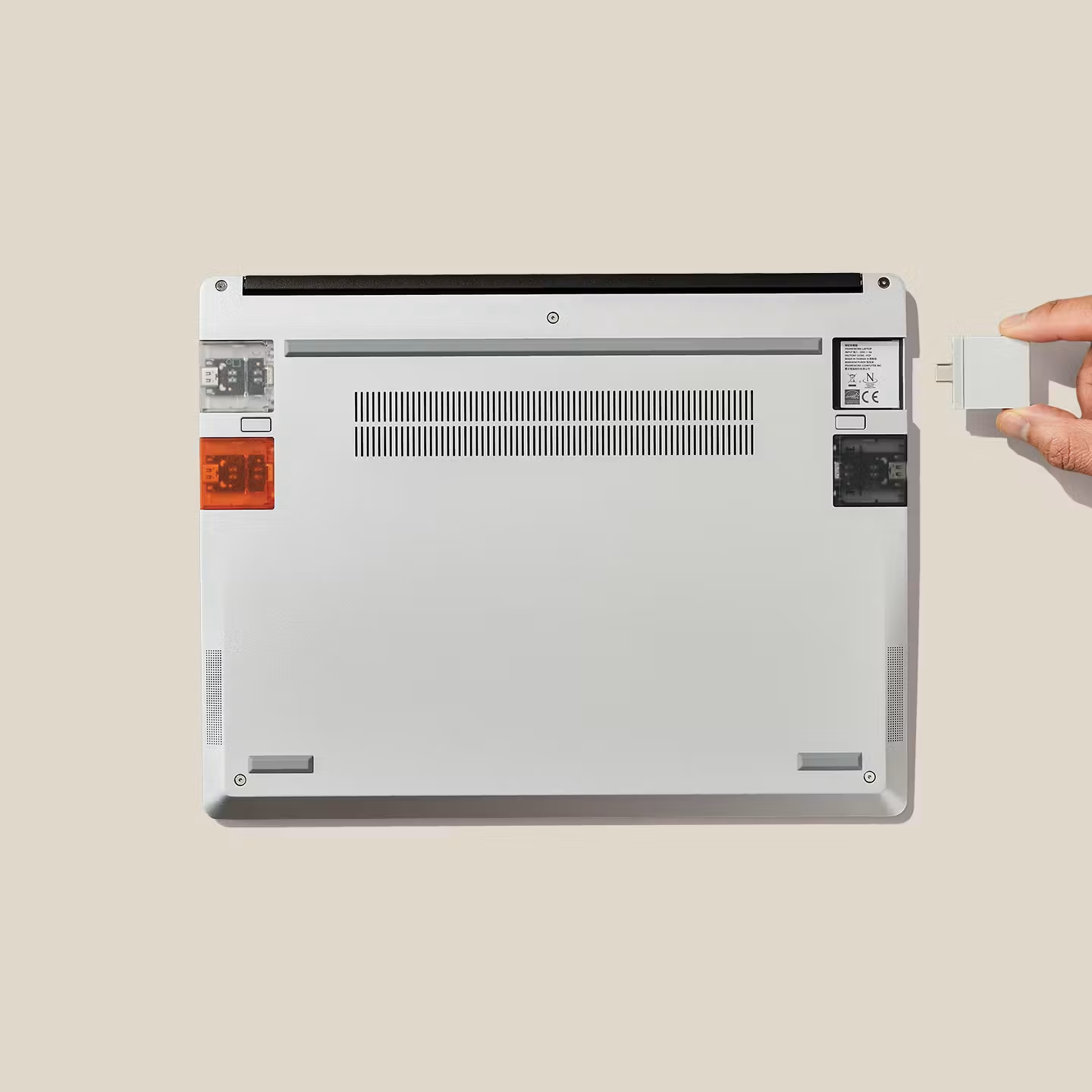
Customize
Expansion Cards, keyboard languages, Bezel colors. It’s yours to choose.
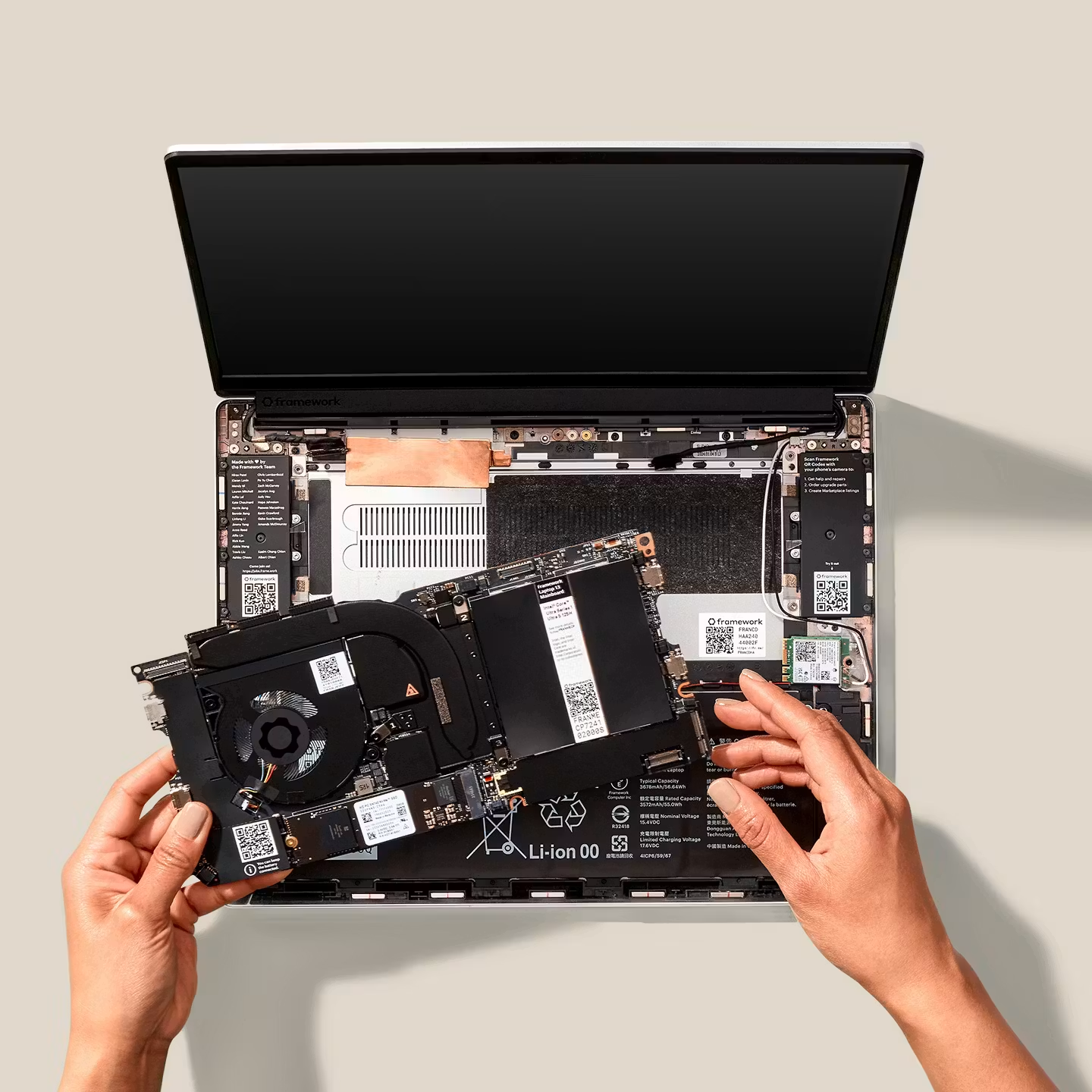
Upgrade
Upgrade your processor generation-over-generation, and add more memory and storage whenever you need.
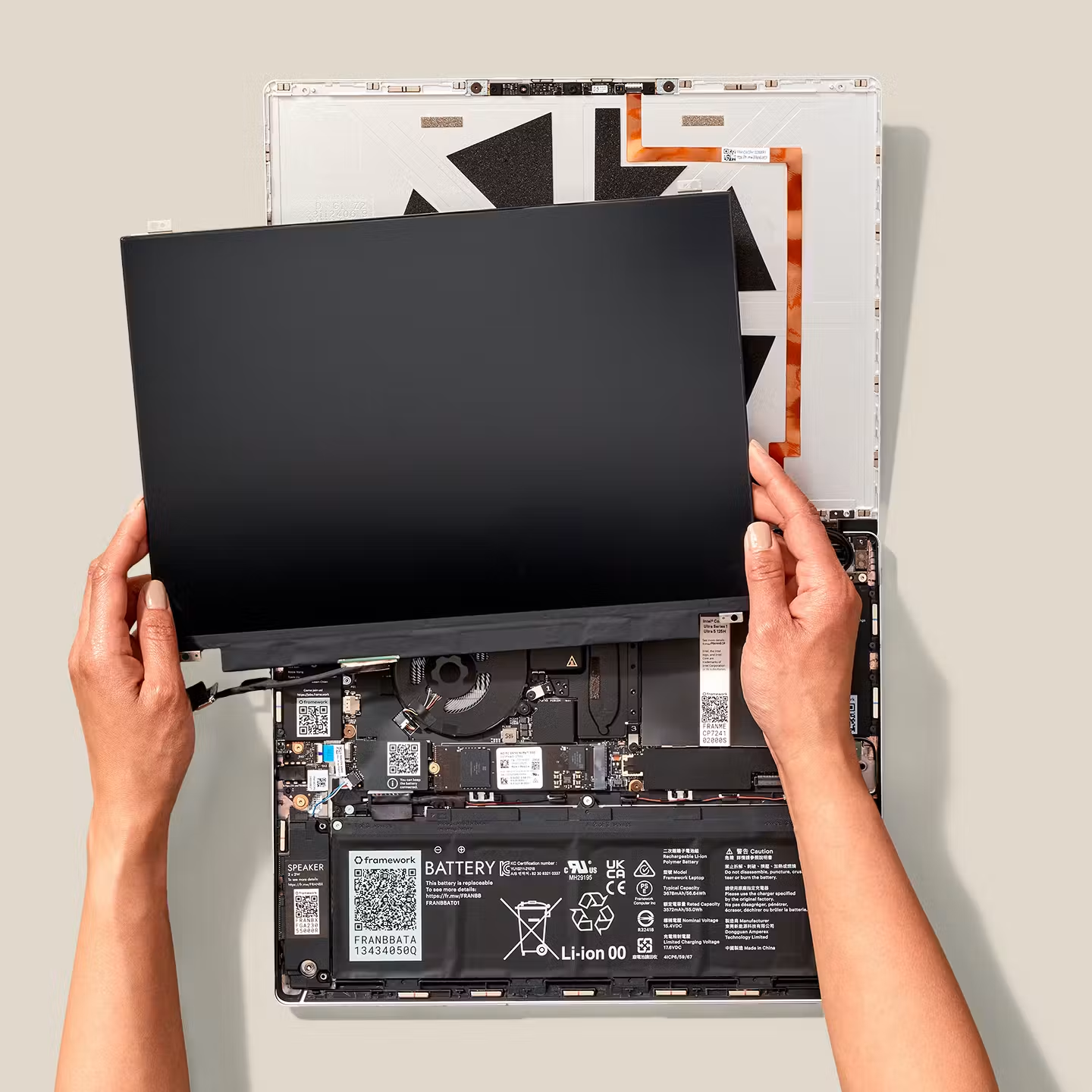
Repair
Every part is replaceable with just the one tool that comes in the box.

Storage
Never worry about running out of space. With standard M.2 SSDs, you can swap out your storage for high-capacity drives up to 8TB.
Memory
You can upgrade your RAM whenever you need to unlock higher performance. Our latest generation supports up to a massive 96GB of high-speed DDR5.
Expansion Cards
External adapters are a thing of the past. The Framework Expansion Card system lets you choose exactly the ports you want and where you want them.
Expansion Cards
External adapters are a thing of the past. The Framework Expansion Card system lets you choose exactly the ports you want and where you want them.
61Wh for all-day battery life, maintaining 80% capacity after 1,000 cycles.
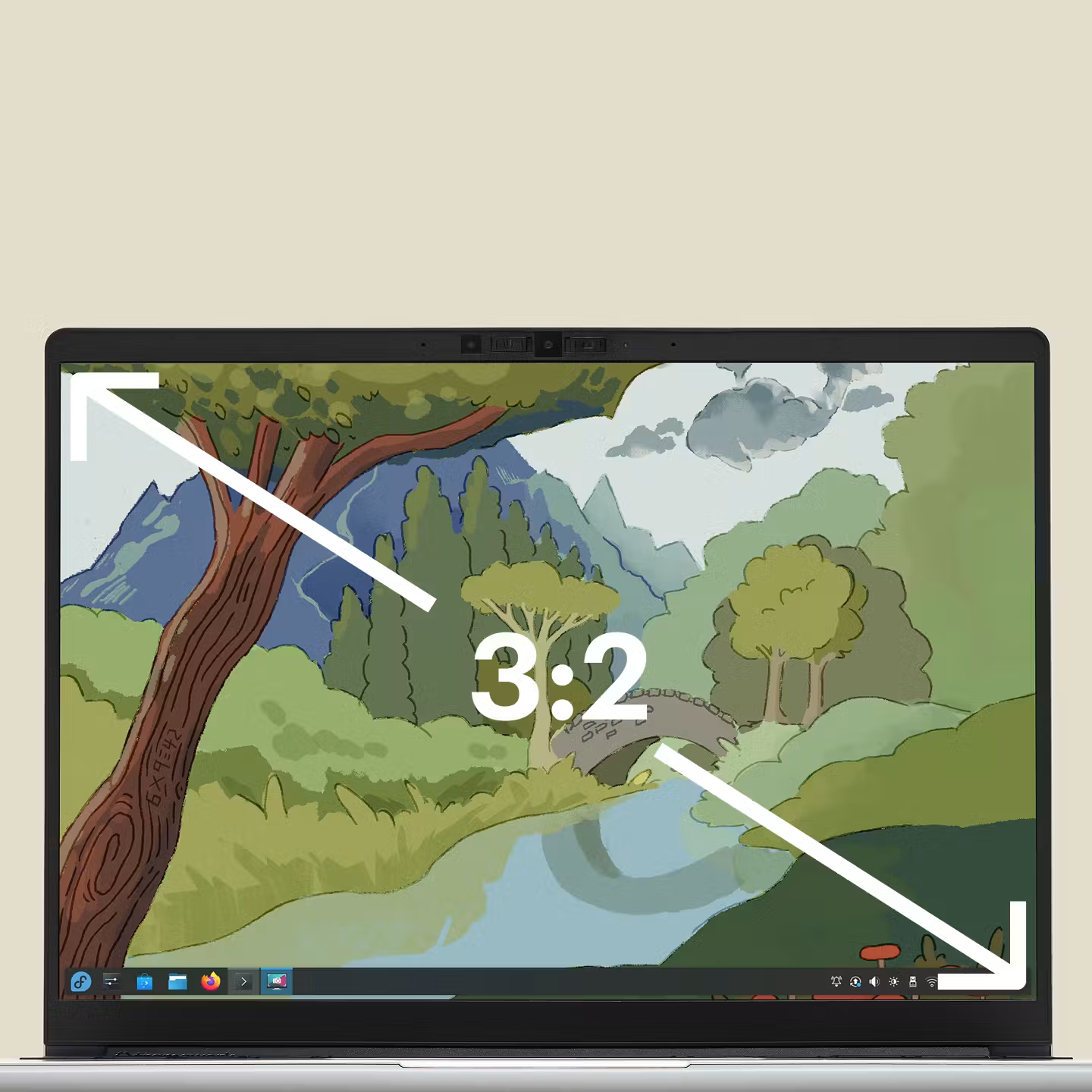
A 13.5” screen in a taller 3:2 aspect ratio for more efficient browsing, coding, writing, and more — now available in 2.2K (2256x1504, matte surface) and 2.8K (2880x1920, matte surface) offerings for improved visibility.
An 80°+ field of view degree field of view makes you look great at any angle, and 1080p image and video keep you sharp.
Comfortable and responsive with 1.5mm key travel, an adjustable backlight, and a wide range of language and layout options.
Respects your privacy.
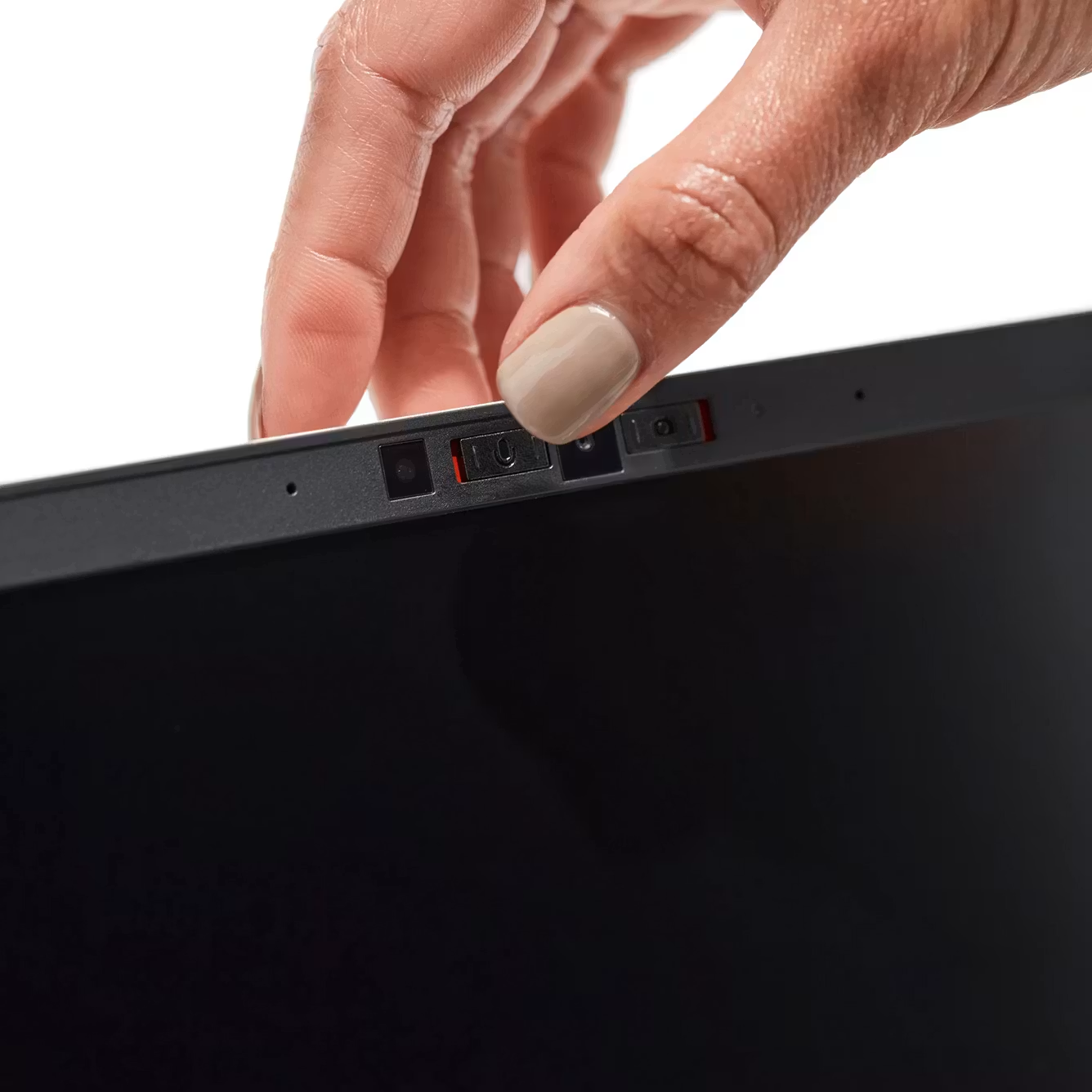
Privacy switches
Your privacy is protected at a hardware level, with physical switches that electrically cut off the webcam and microphones whenever you need.
No crapware
We hate software bloat as much as you do. Our pre-builts ship with stock Windows 11 plus the necessary drivers, and our DIY Edition lets you bring whichever operating system you’d like.

All of this in a minimal and slim form factor.
At just 15.85mm thick and under 1.3kg, gaining repairability doesn’t mean losing portability.
All of this in a minimal and slim form factor.
At just 15.85mm thick and under 1.3kg, gaining repairability doesn’t mean losing portability.
296.63mm
Width
228.98mm
Depth
15.85mm
Height
1.3kg
Weight
The choice is yours.
Available in multiple configurations: pre-built with Windows 11 or as a DIY Edition, allowing you to assemble it yourself and install your preferred OS, including Linux.
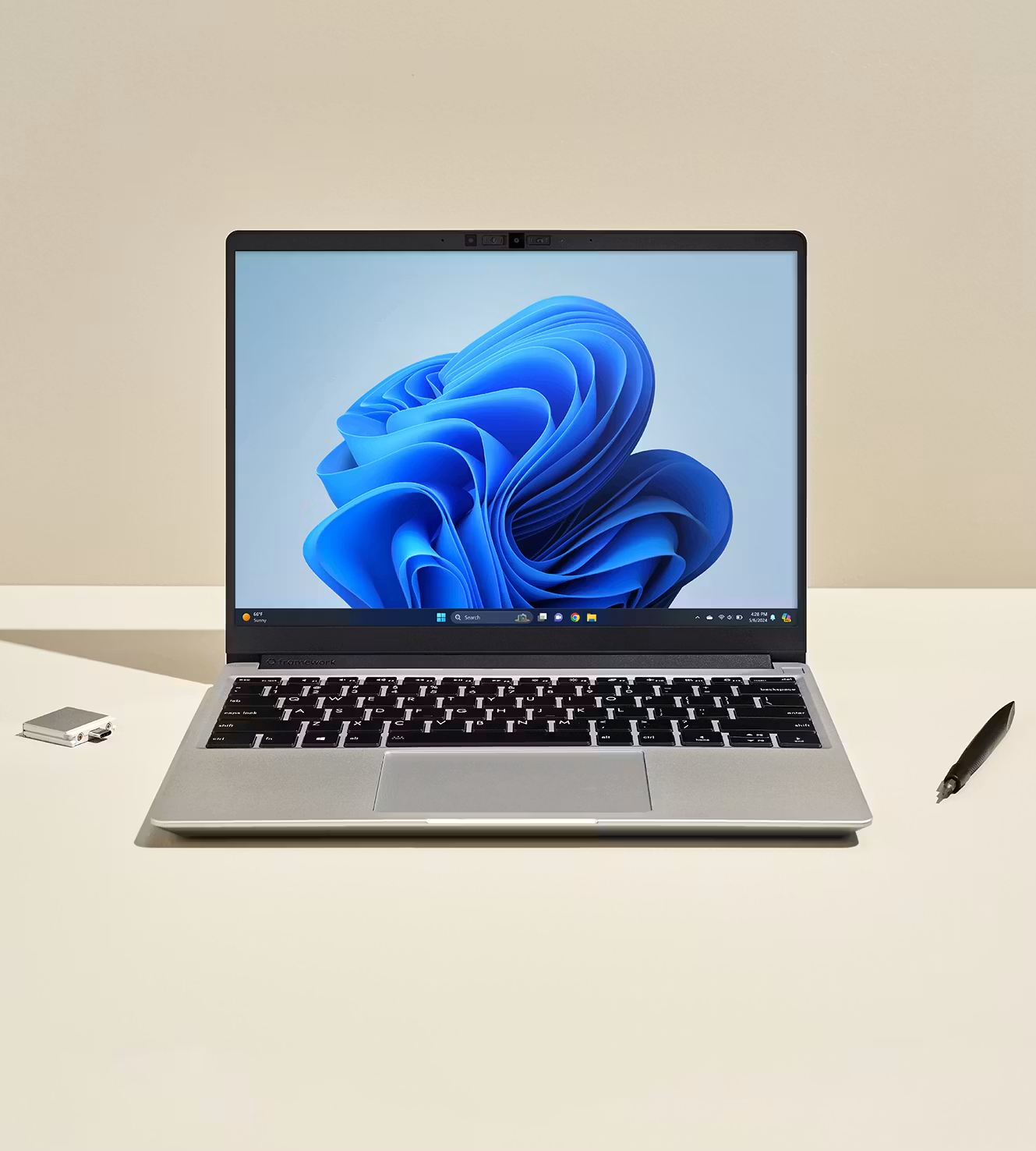
Pre-built
Ready to go out of the box with Windows 11 and easy to upgrade if you ever need more in the future.
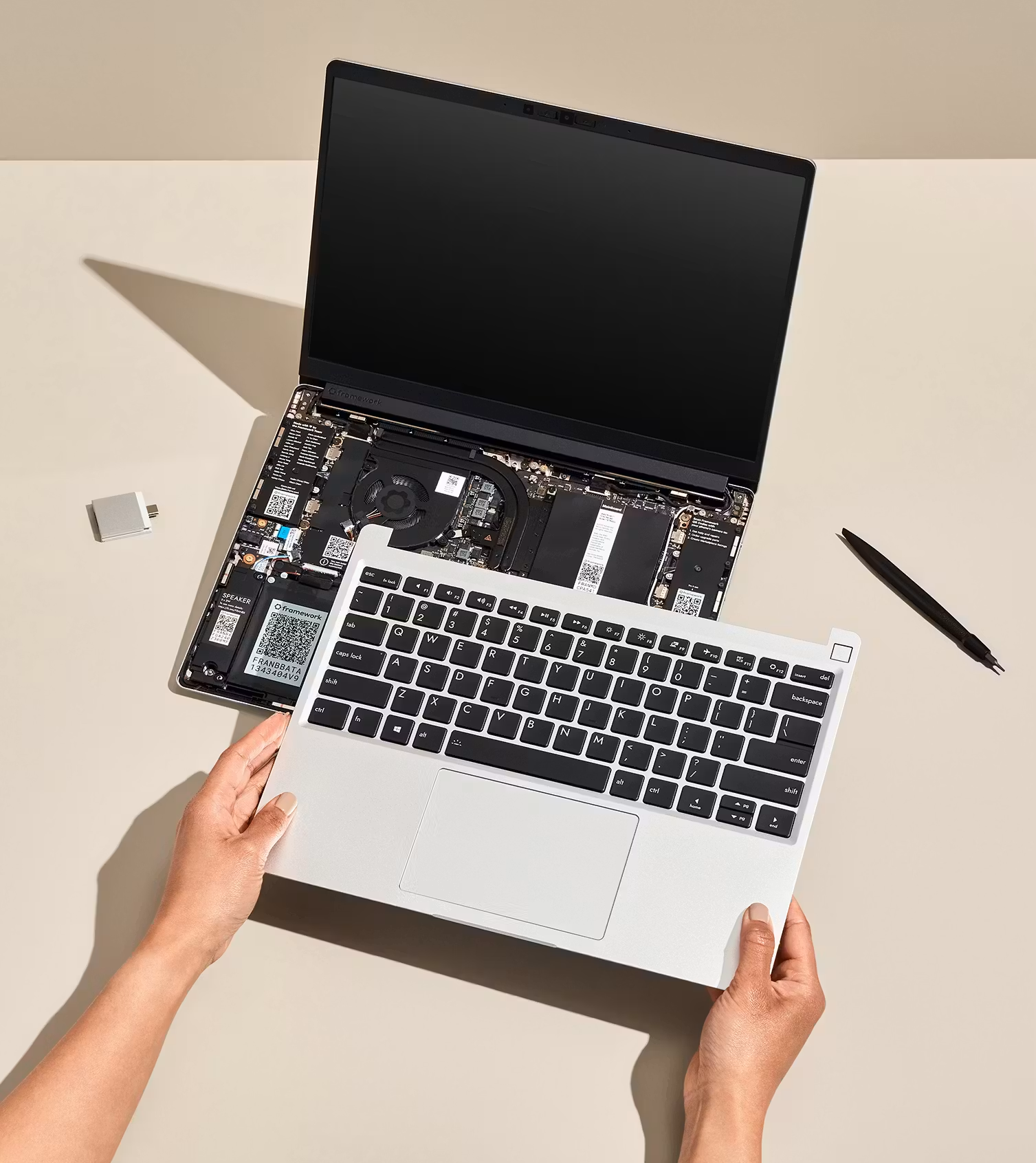
DIY Edition
Bring your own memory, storage, and operating system, including Linux, and build it yourself.

Planning a volume purchase?
Planning a volume purchase?

Keep track of what we’re working on with the Framework Newsletter.
Monthly-ish

