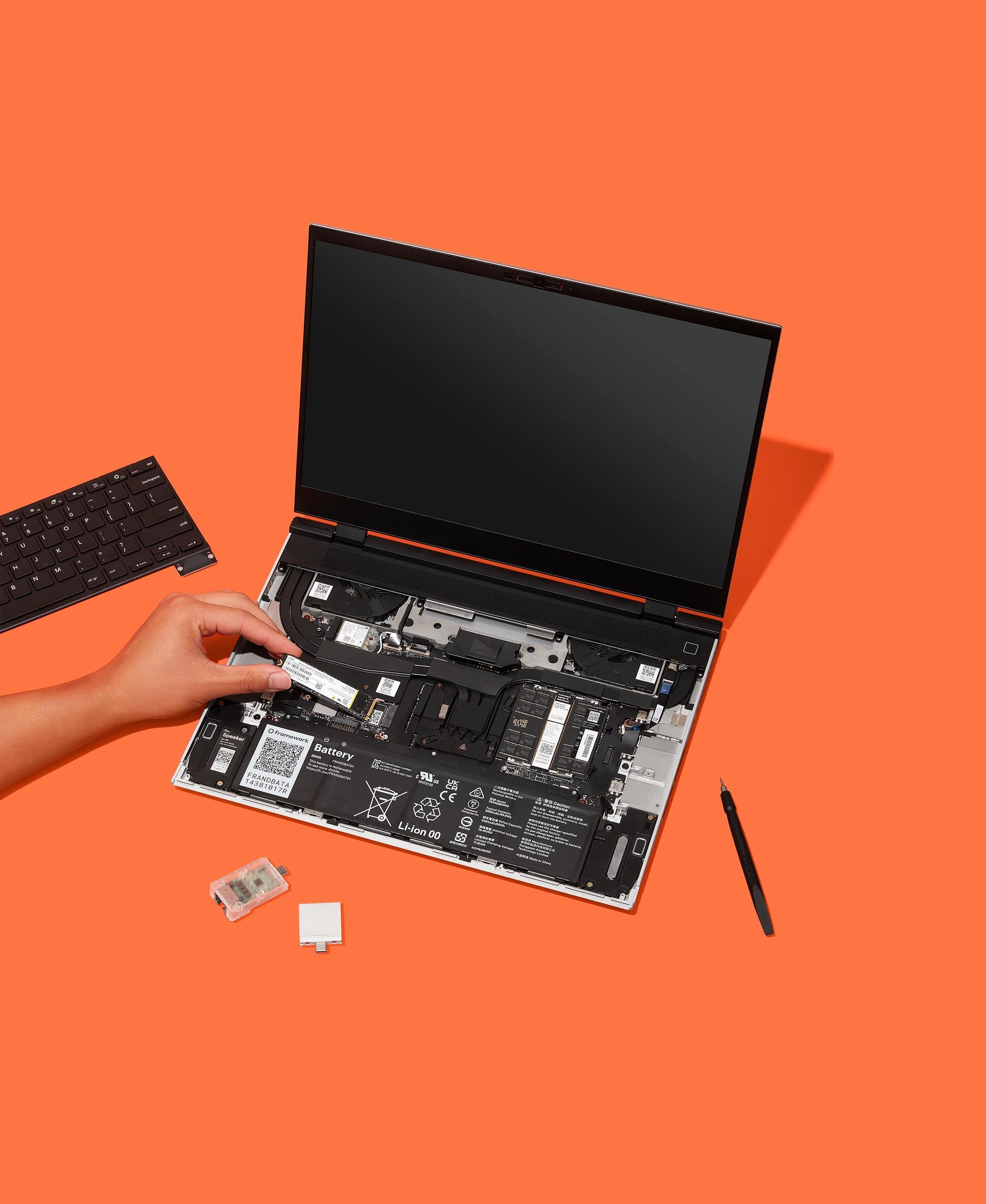
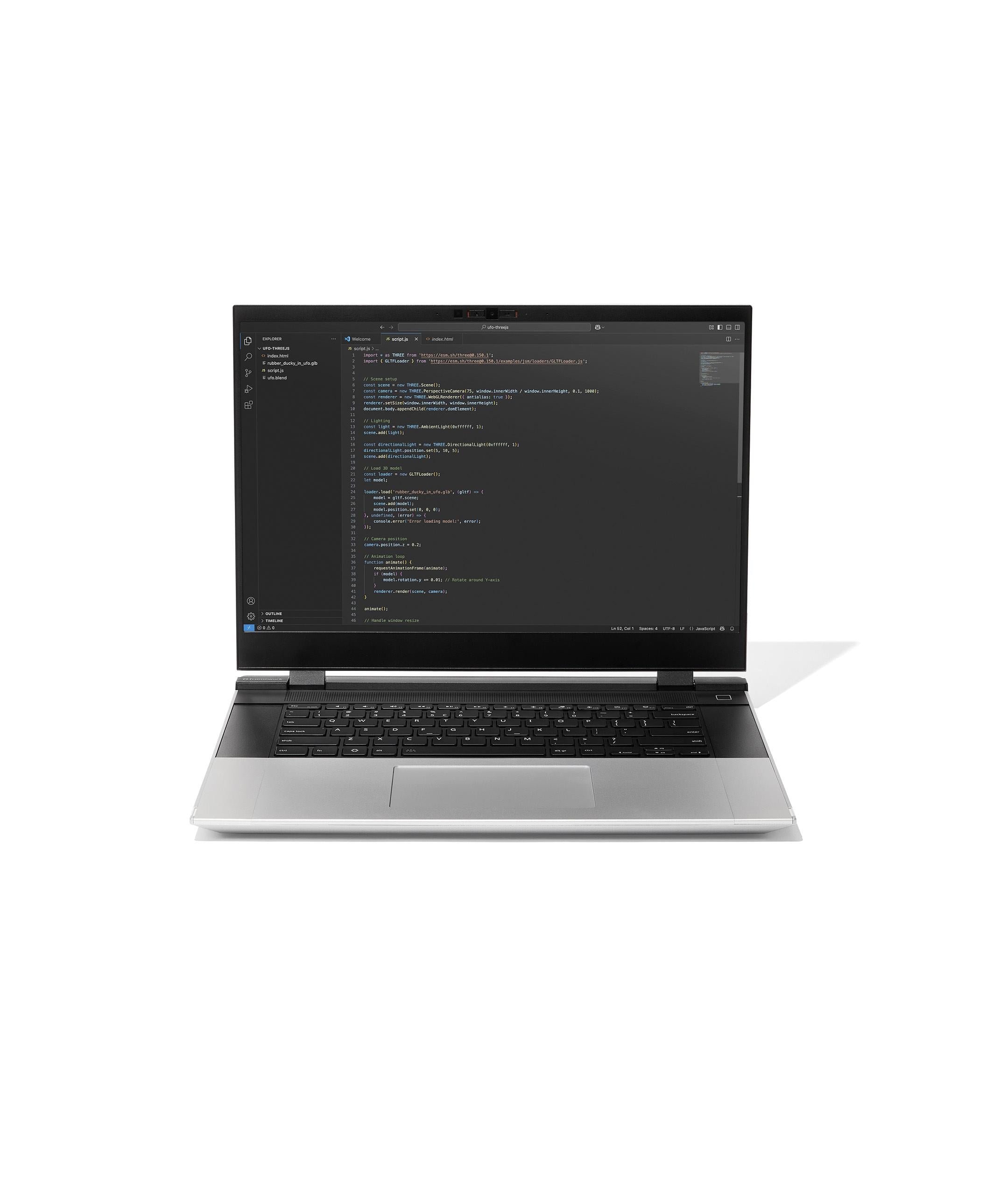
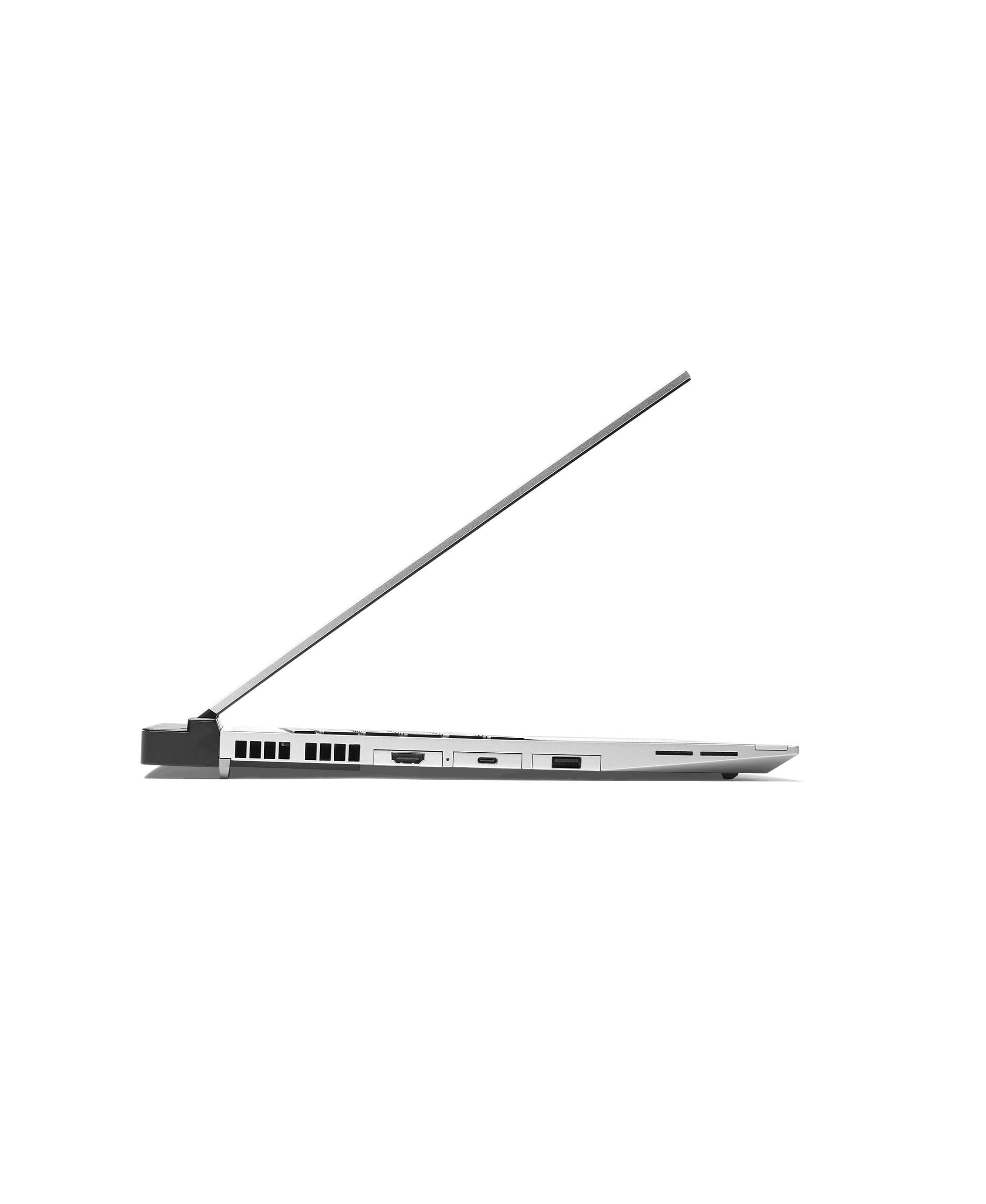
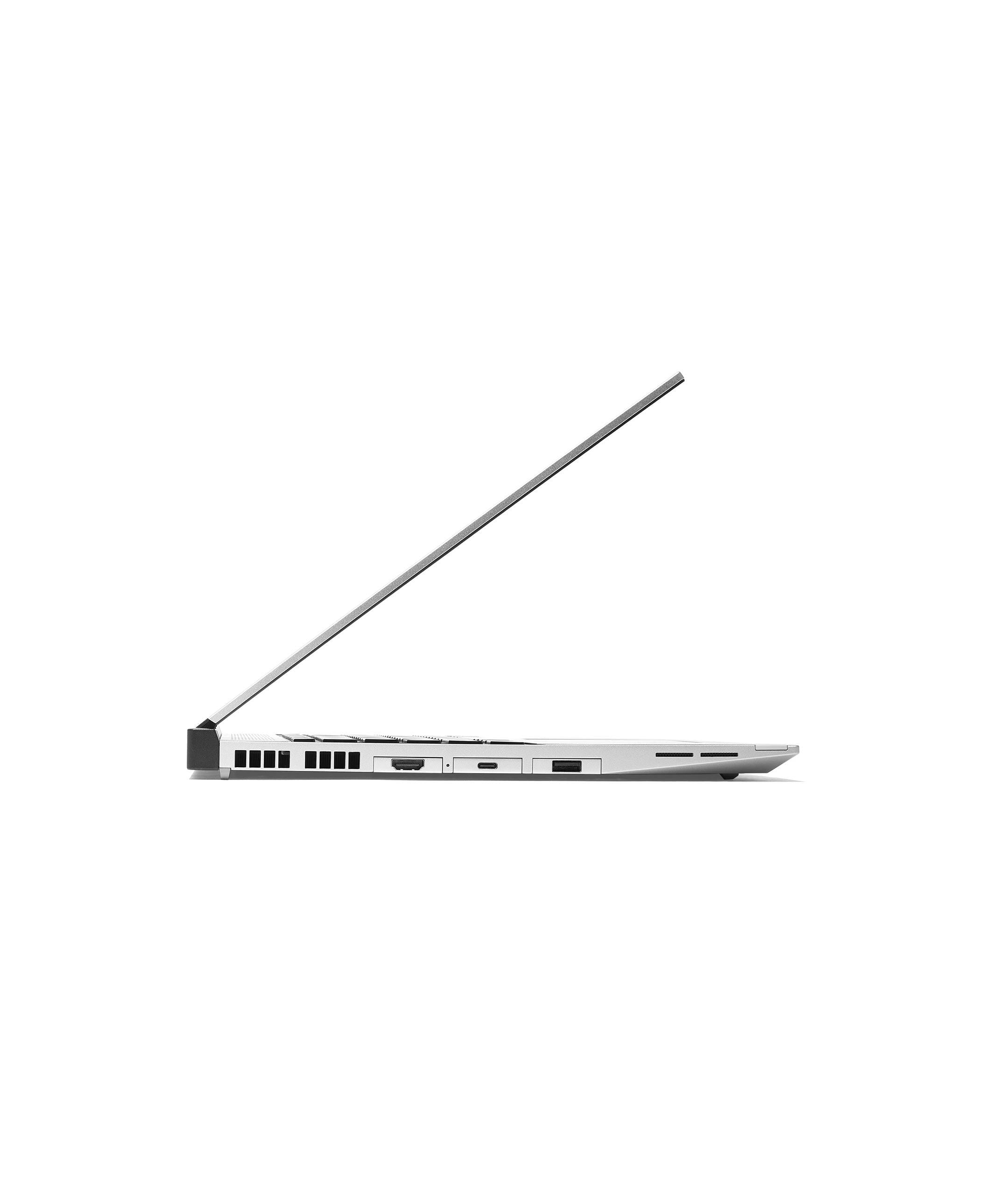
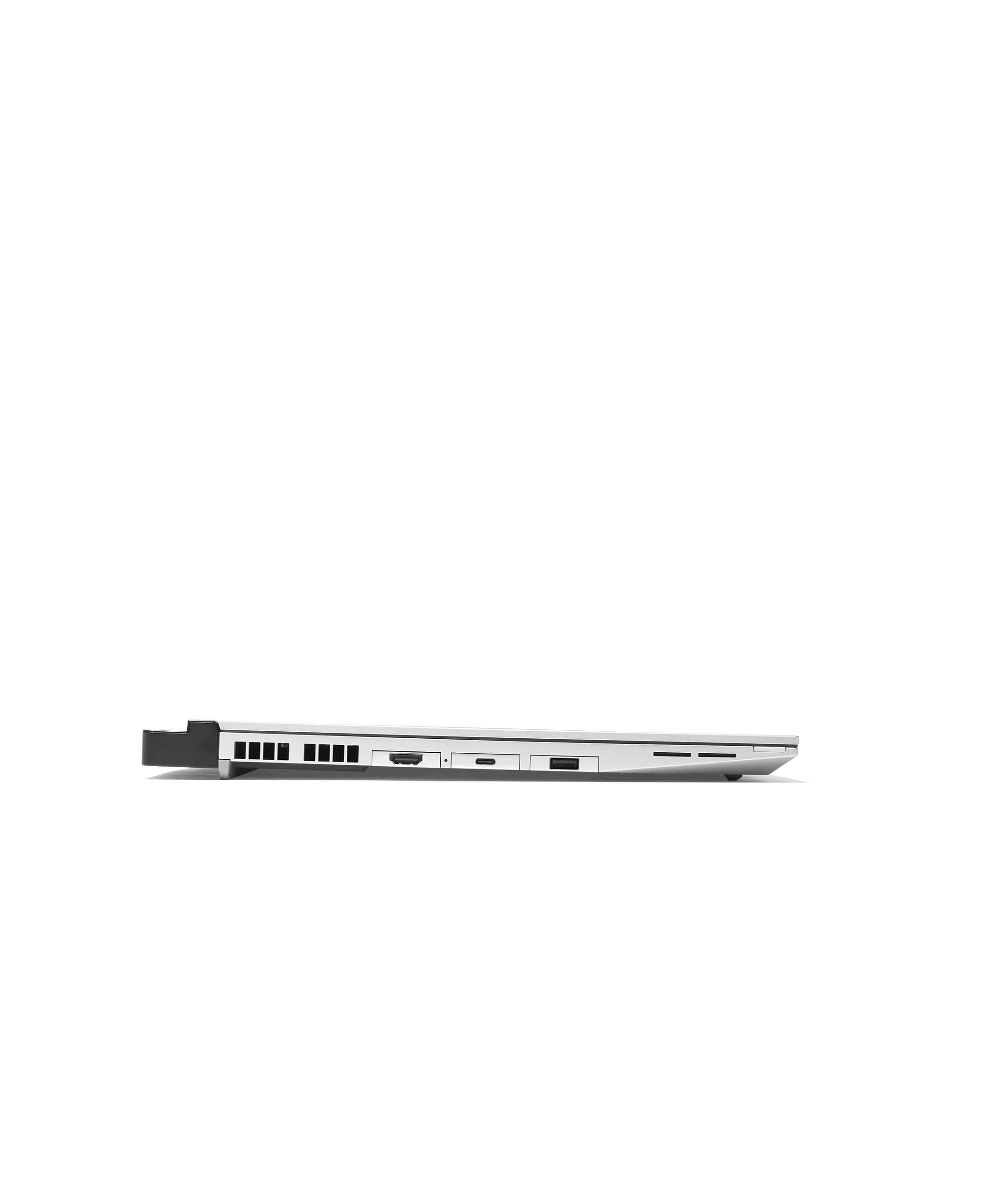
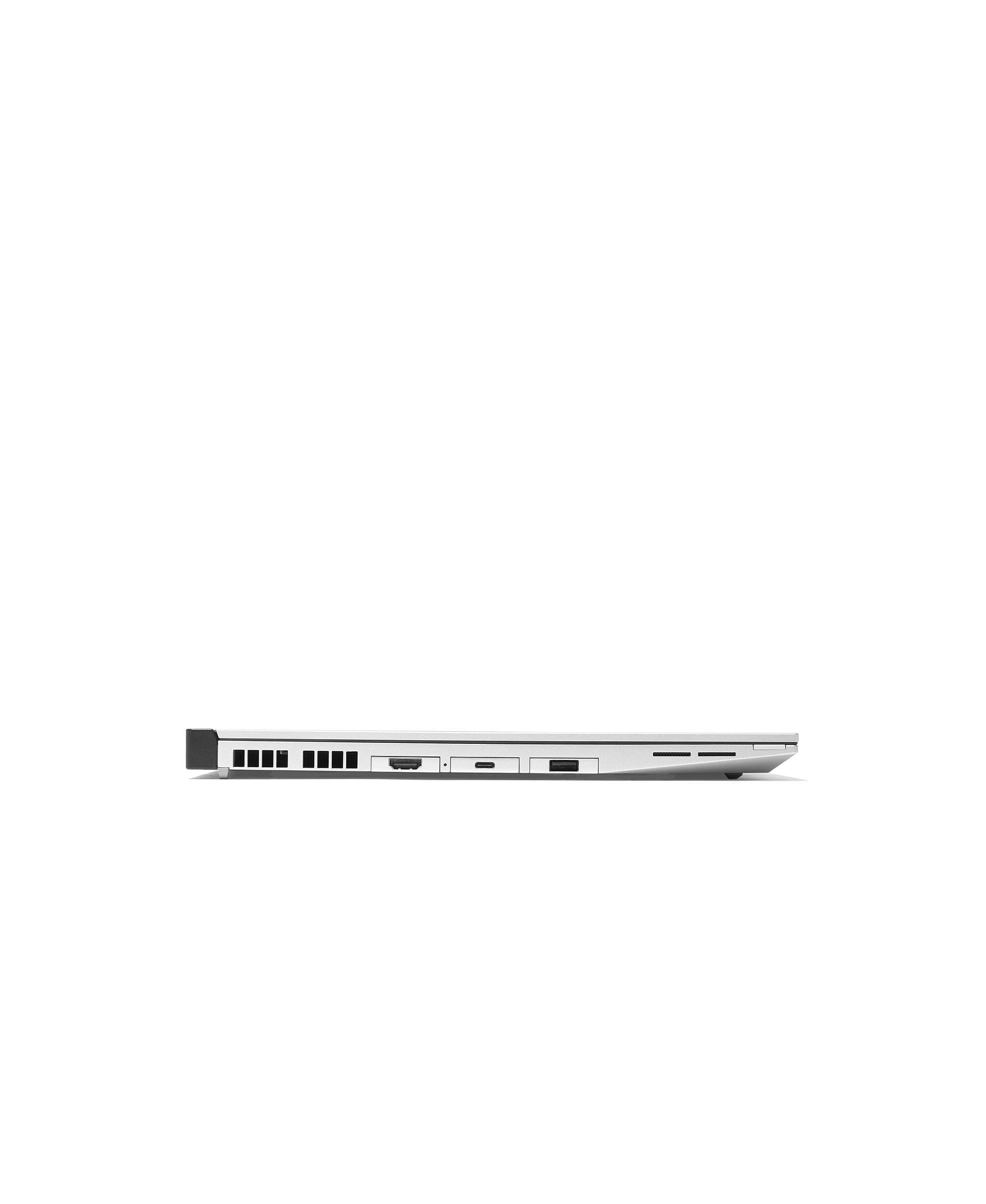
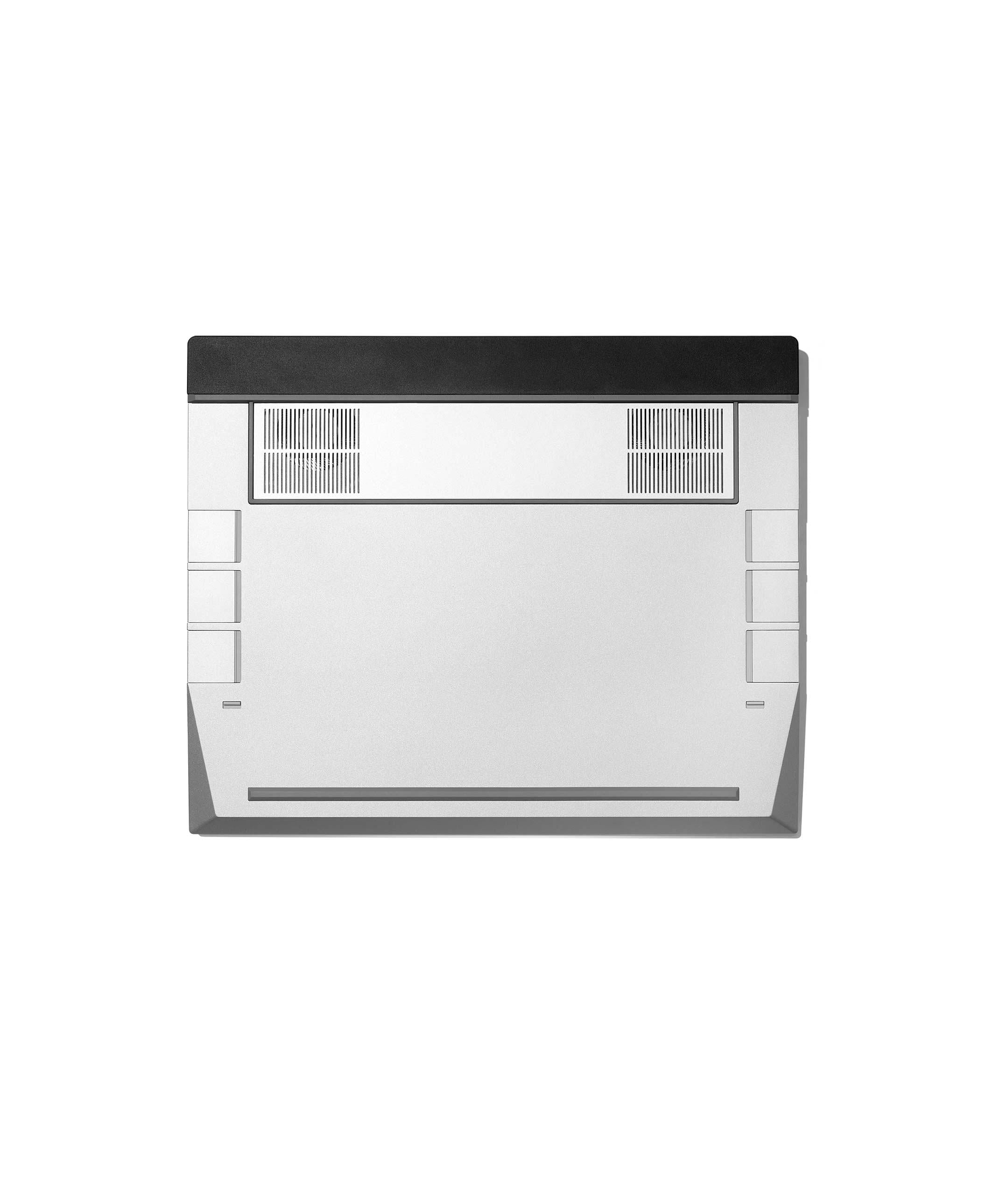
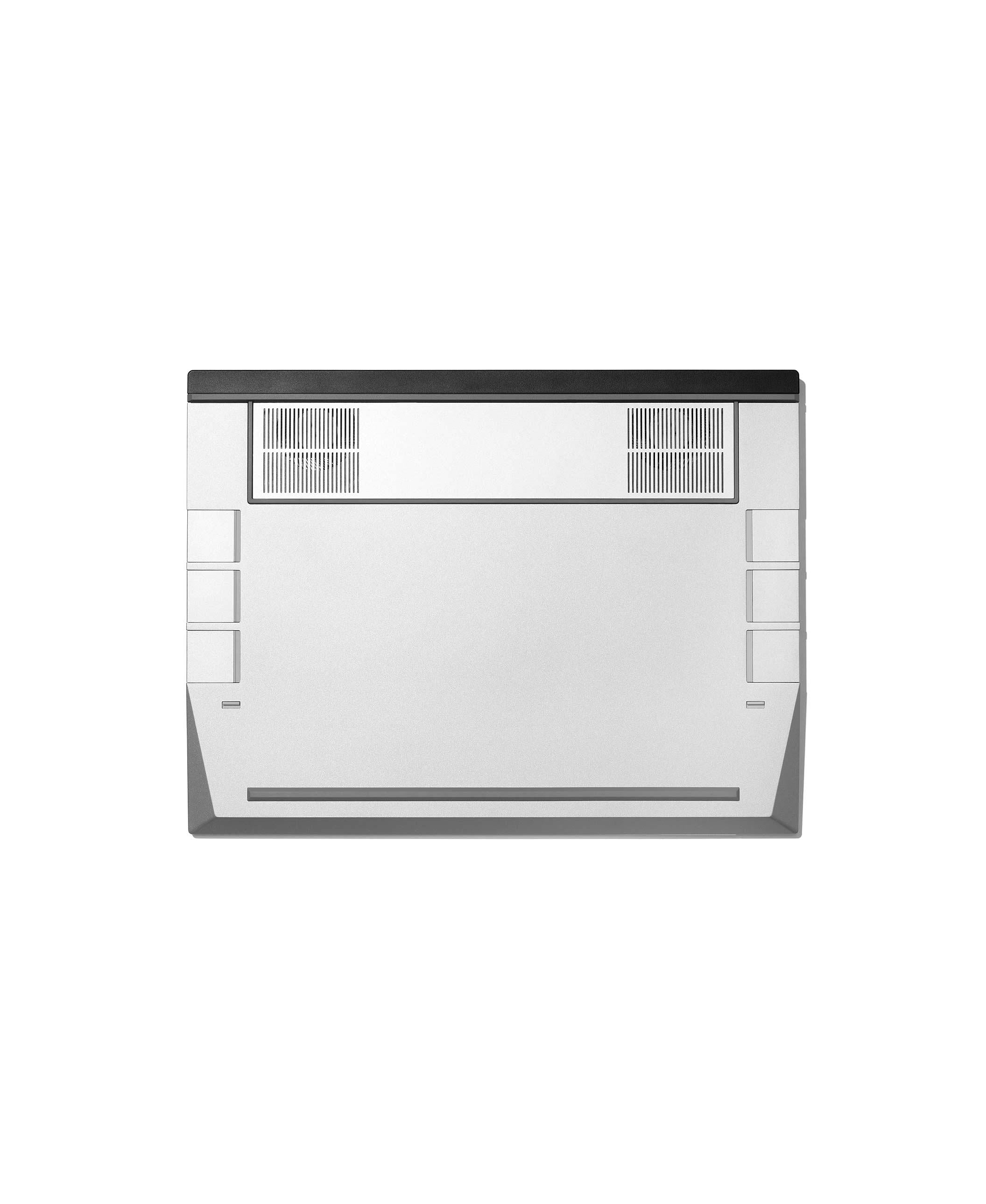
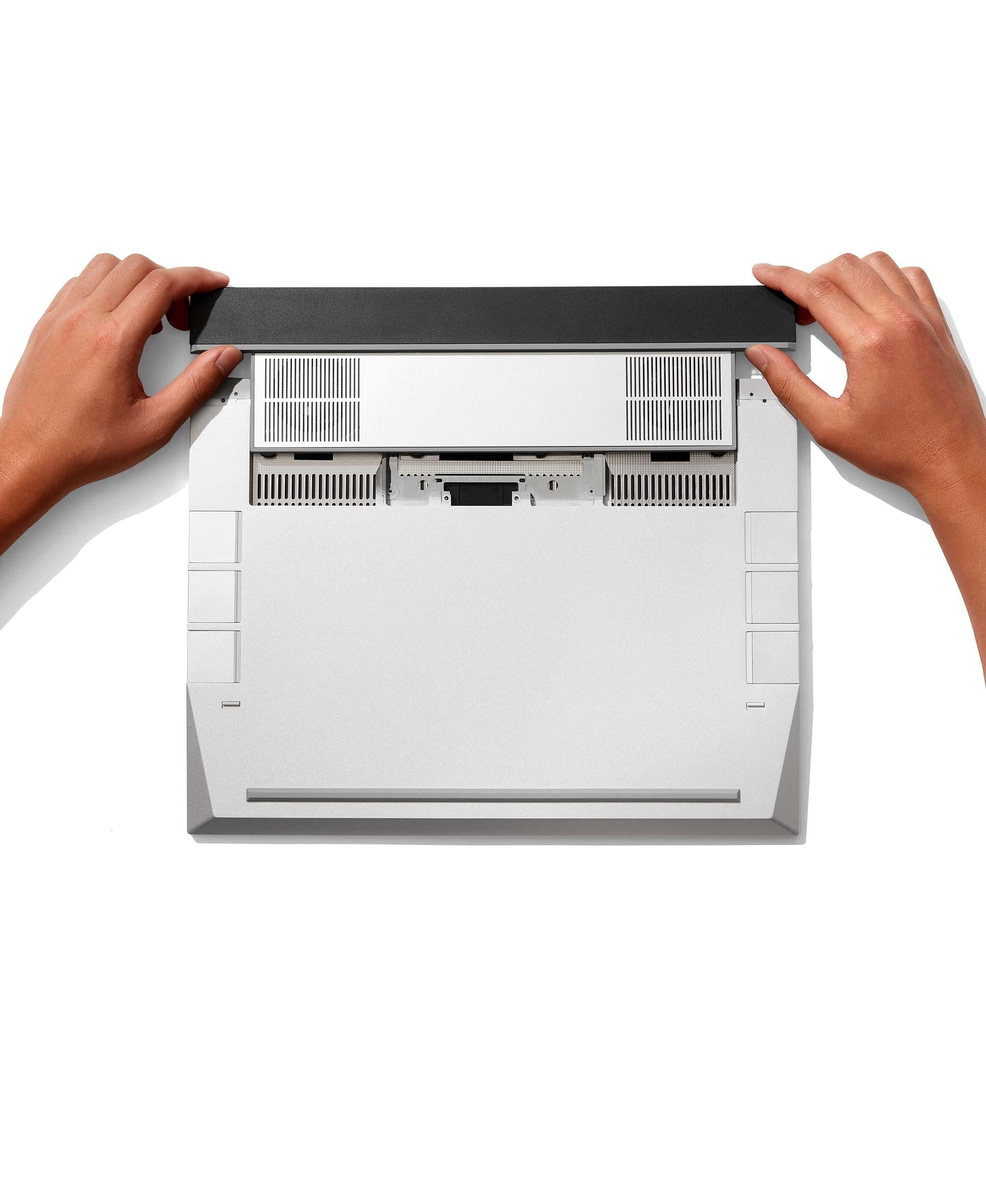
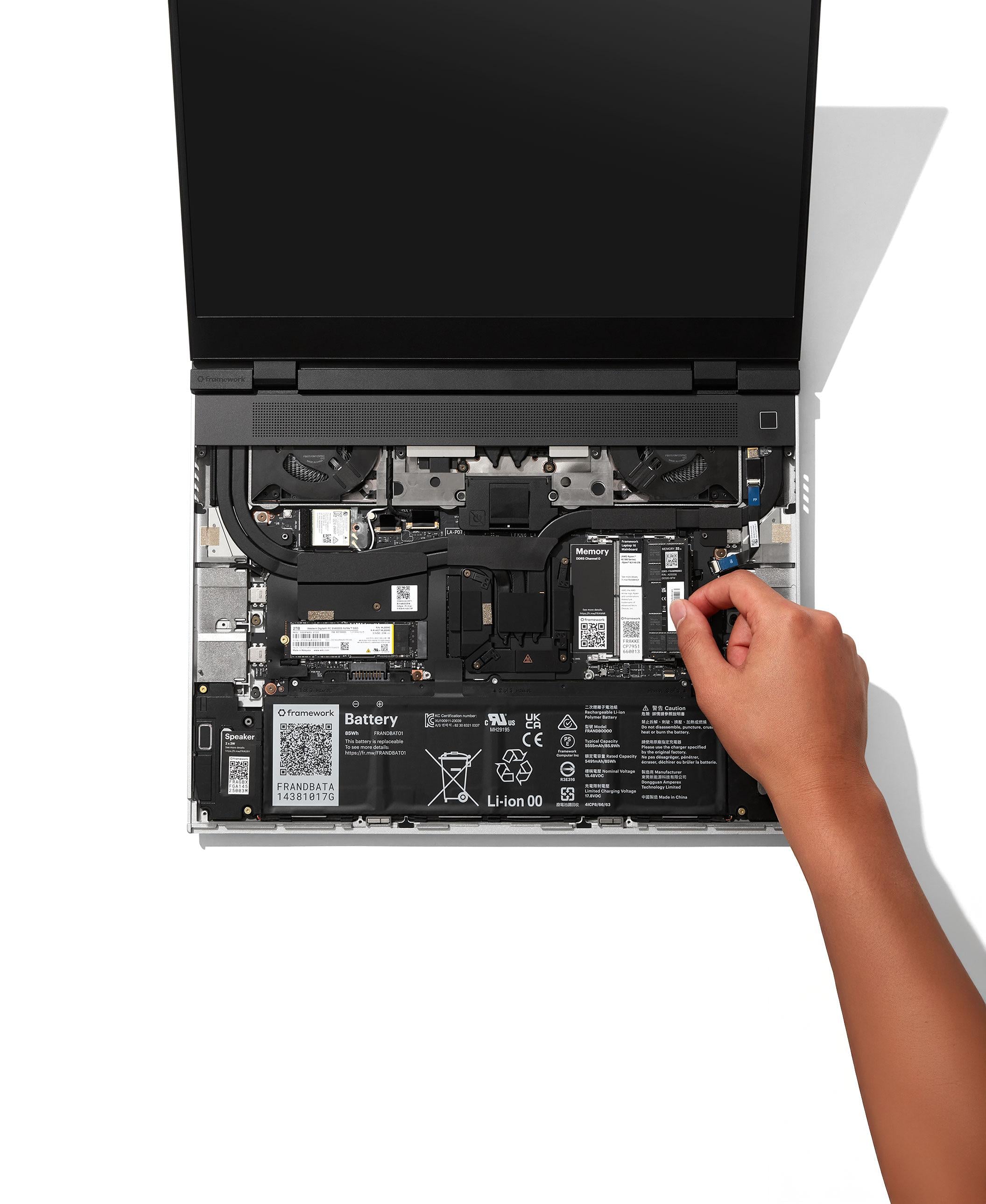
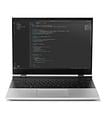
Framework Laptop 16

Framework Laptop 16 DIY Edition (AMD Ryzen™ AI 300 Series)
Ordering more than 1 computer?

For in-stock laptop and desktop configurations: You can add up to five per order.

For pre-order laptop and desktop configurations: We only allow one per pre-order, but there is no limit for the amount of pre-orders per account.

If you are a business customer, need more than five laptops or desktops per order, or have other special requests, please contact us through our support form and we’ll get in contact with you.

Configuration

check_circle error_outline System

Choose an option

expand_more
check_circle error_outline Expansion Bay Module

Choose an option

expand_more
check_circle error_outline Memory

Choose an option

expand_more
check_circle error_outline Primary Storage

Choose an option

expand_more
check_circle error_outline Secondary Storage

Choose an option

expand_more
check_circle error_outline Operating System

Choose an option

expand_more
check_circle error_outline Power Adapter

Choose an option

expand_more
check_circle error_outline Power Adapter

Choose an option

expand_more
We recommend a minimum of 100W with Expansion Bay Shell or 180W with a Graphics Module. 240W will provide the best experience with a Graphics Module.

Customization

check_circle error_outline Bezel

Choose an option

expand_more
check_circle error_outline Touchpad

Choose an option

expand_more
check_circle error_outline Touchpad

Choose an option

expand_more
check_circle error_outline Keyboard

Choose an option

expand_more
The Framework Laptop 16 input deck can be customized with many keyboard options, the choice is yours. 

Fixed layout
  • One-piece keyboard module features a fixed centered layout.
  • Not compatible with spacers or input modules.
  • Available in US English .

Flexible layout
  • Can be positioned Left, Center, or Right.
  • Requires 2 spacers or 1 medium input modules.
  • Available in multiple languages, as well as clear and blank options.
Fixed Layout
Flexible Layout
check_circle error_outline Input Modules

Choose an option

expand_more
You need to select 2 Spacers or 1 medium Input Module to configure your laptop. Top row modules and their positions can be swapped at any time. The bottom row cannot be customized with other modules and must use the default Touchpad Module and 2 aluminum Touchpad Spacers, which are included in your laptop configuration.
Spacer modules
+$10
+$15
+$15
+$15
LED Matrix - LED Matrix
+$55
Medium modules
Numpad (2nd Gen)
+$39
RGB Macropad (2nd Gen)
+$79

Expansion Cards

check_circle error_outline Expansion Cards

Choose any number

expand_more
We recommend ordering at least six Expansion Cards.

If you are configuring your laptop with an AMD Graphics Module or Expansion Bay Shell, be sure to include at least one USB-C Expansion Card for charging. The NVIDIA® Graphics Module has a built-in USB-C charging port on the rear, so no additional USB-C Expansion Card is required.

If you need an audio/headphone jack, make sure to select an Audio Expansion Card, as the Framework Laptop 16 does not include a built-in audio jack.
Port Expansion Cards
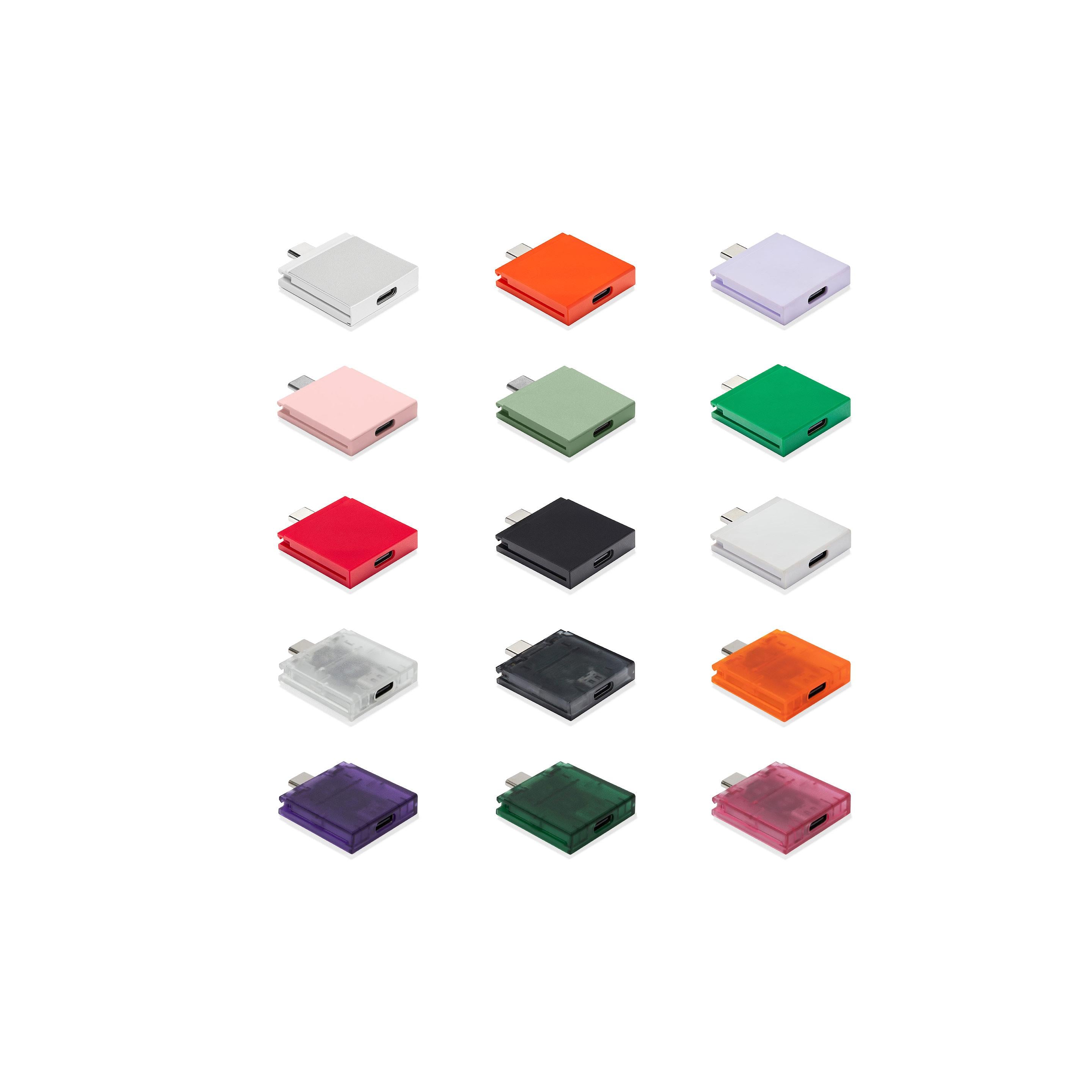
USB-C New colors available
+$10
USB-A (2nd Gen)
+$10
HDMI (3rd Gen)
+$22
DisplayPort (2nd Gen)
+$19
+$39
WisdPi 10G Ethernet
+$99
MicroSD (2nd Gen)
+$19
+$25
+$19

Warranty

A 1 year limited warranty is included with all laptop and desktop configurations and can be extended to 3 years.

local_shipping Ships within 5 business days ‎ verified_user Limited warranty laptop_chromebook Free shipping on laptop and desktop orders