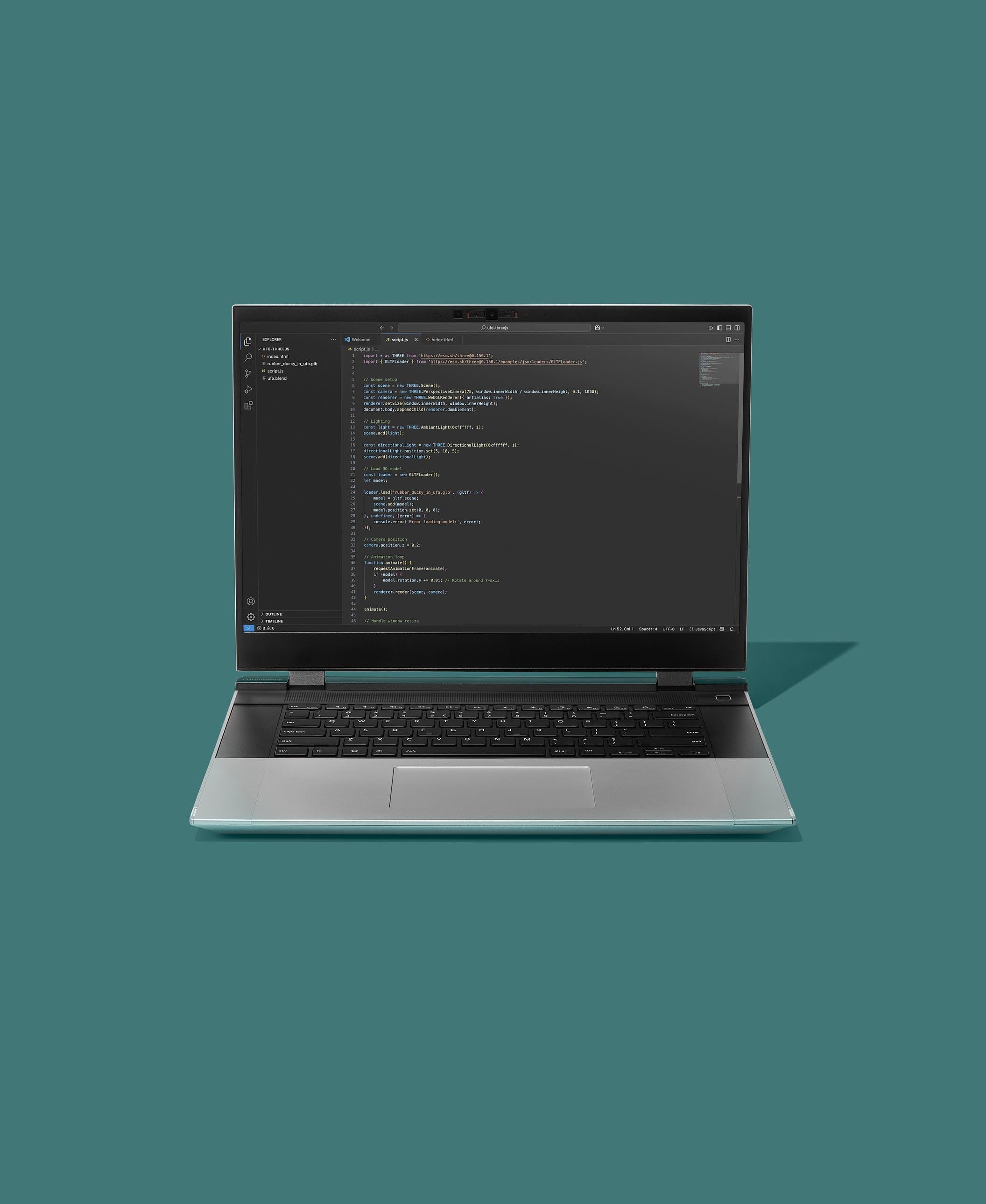
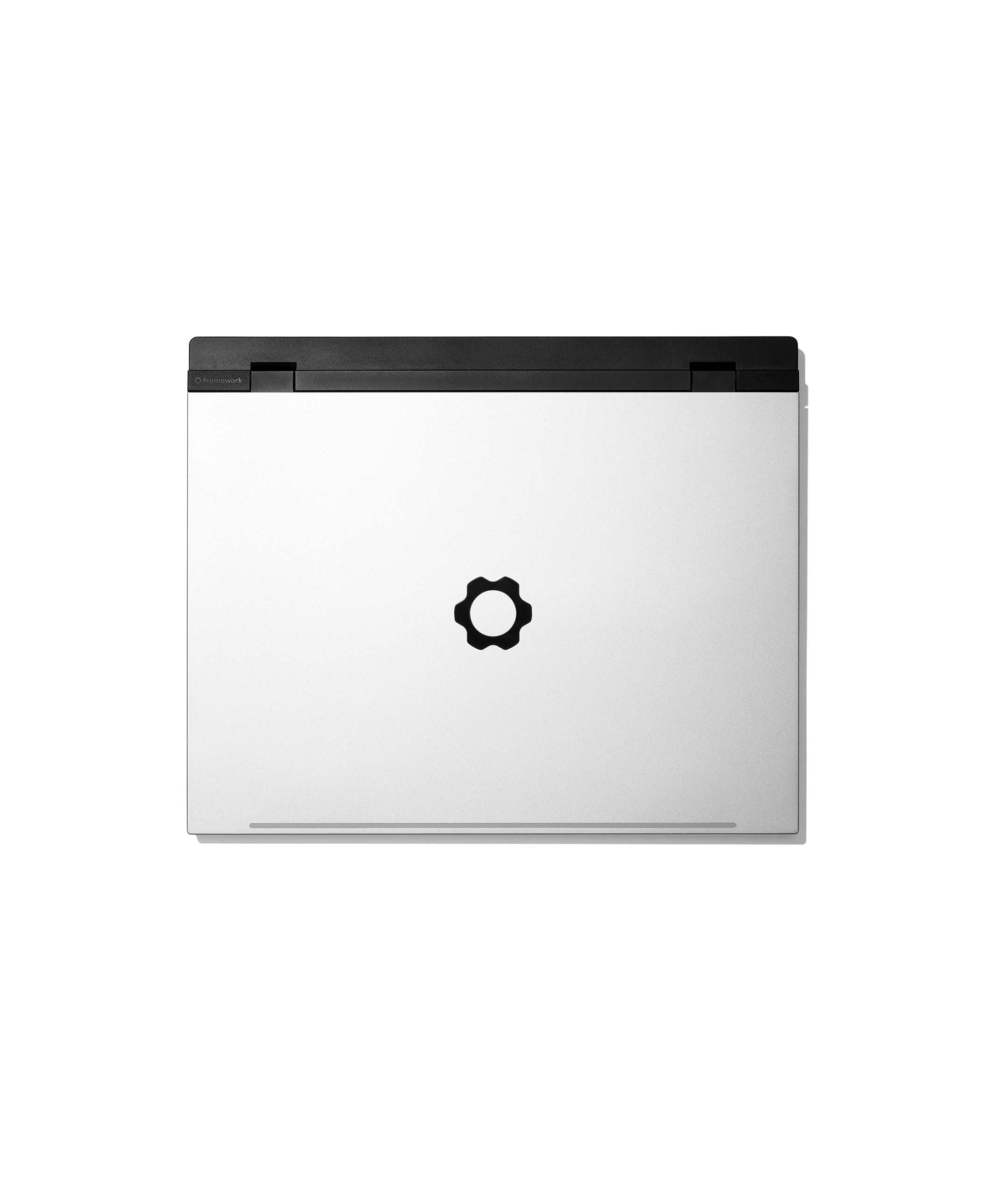
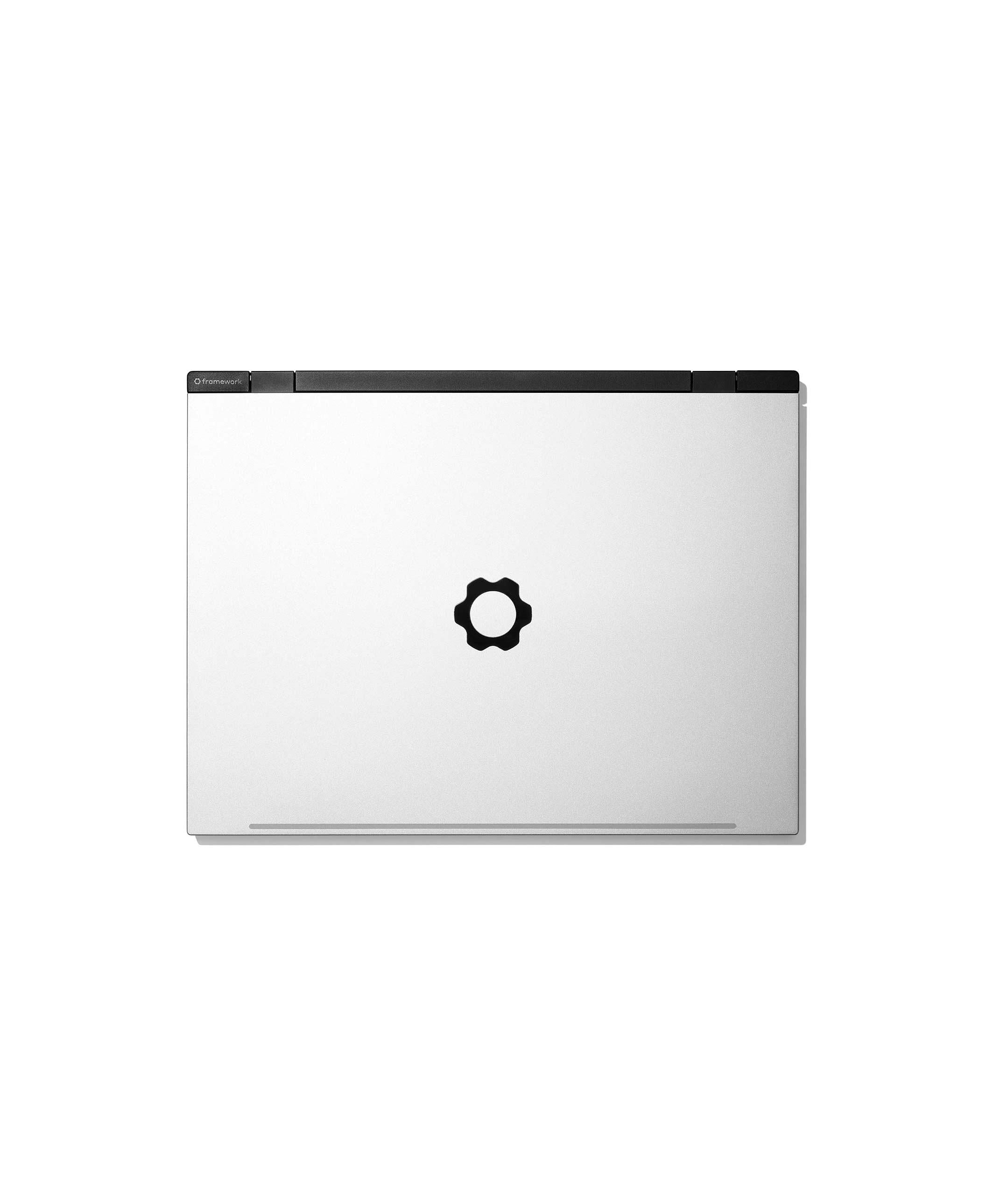
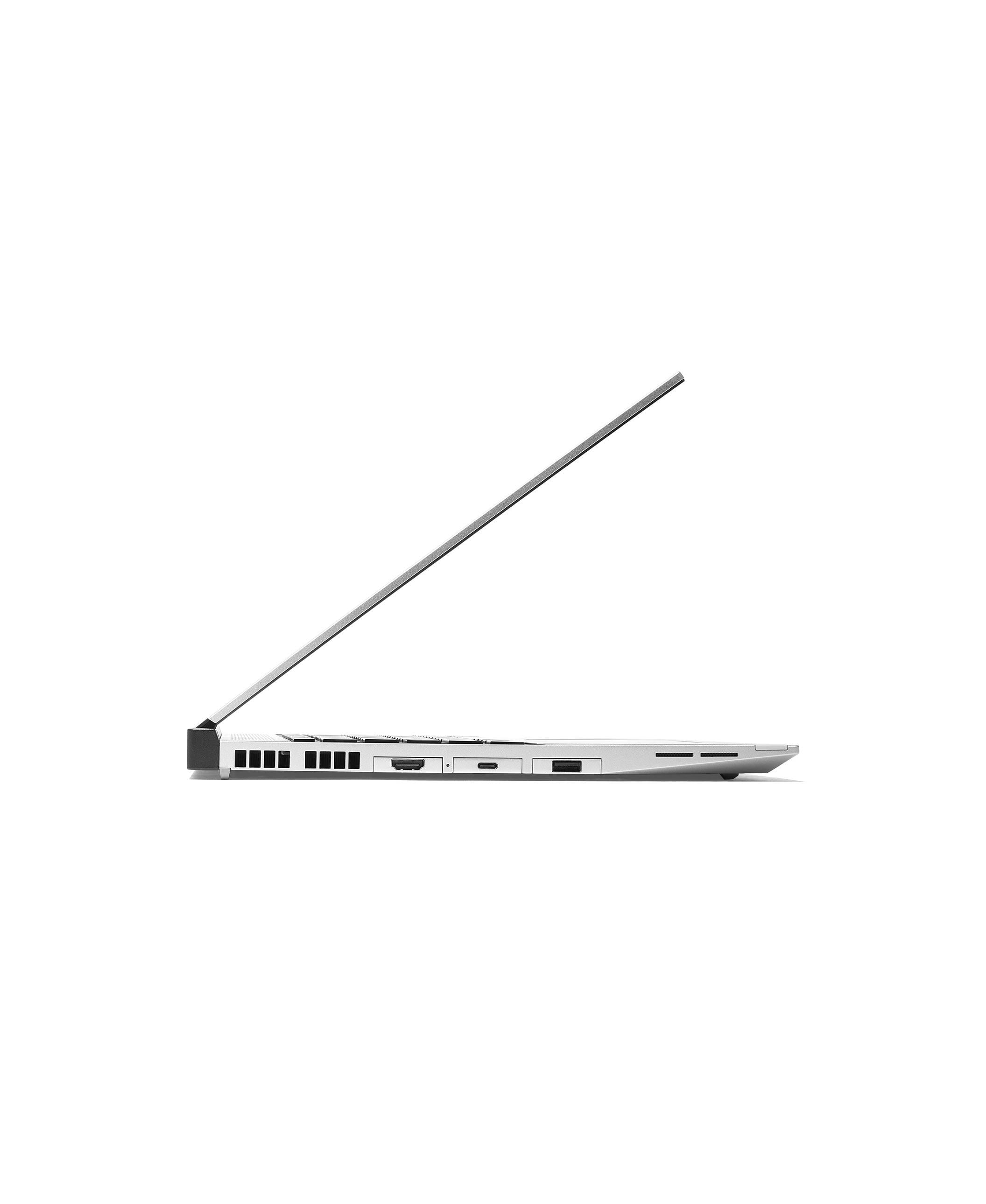
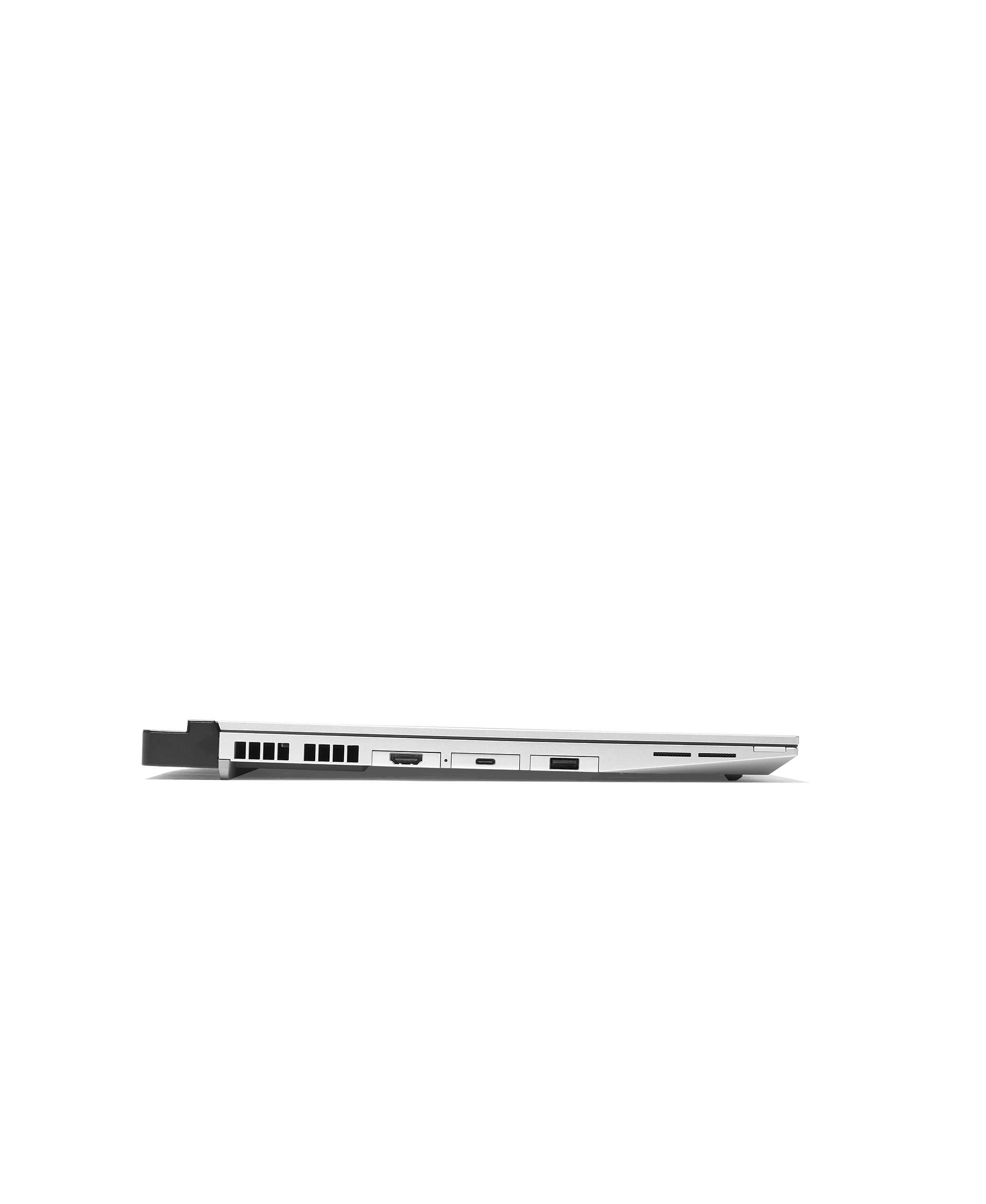
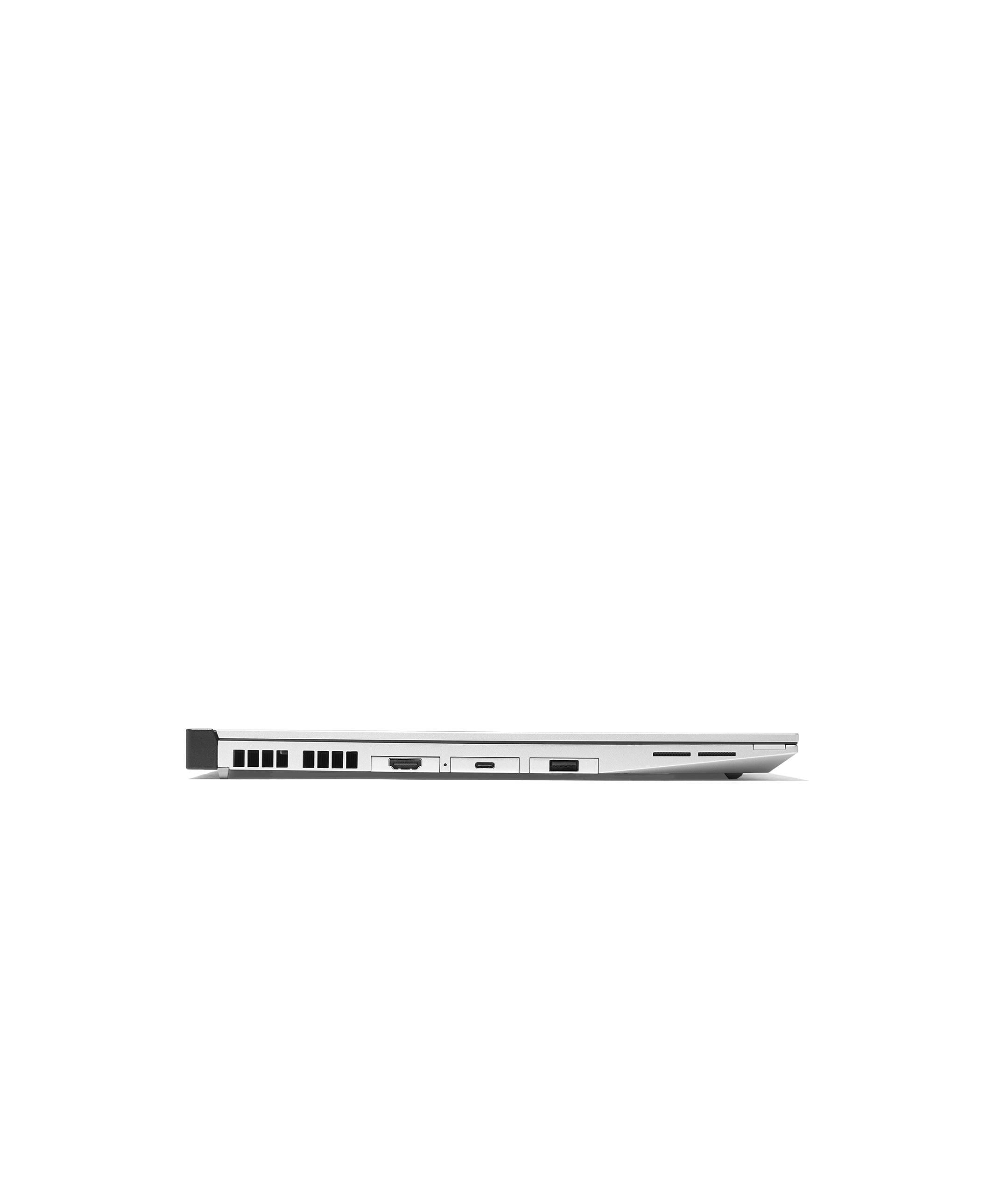
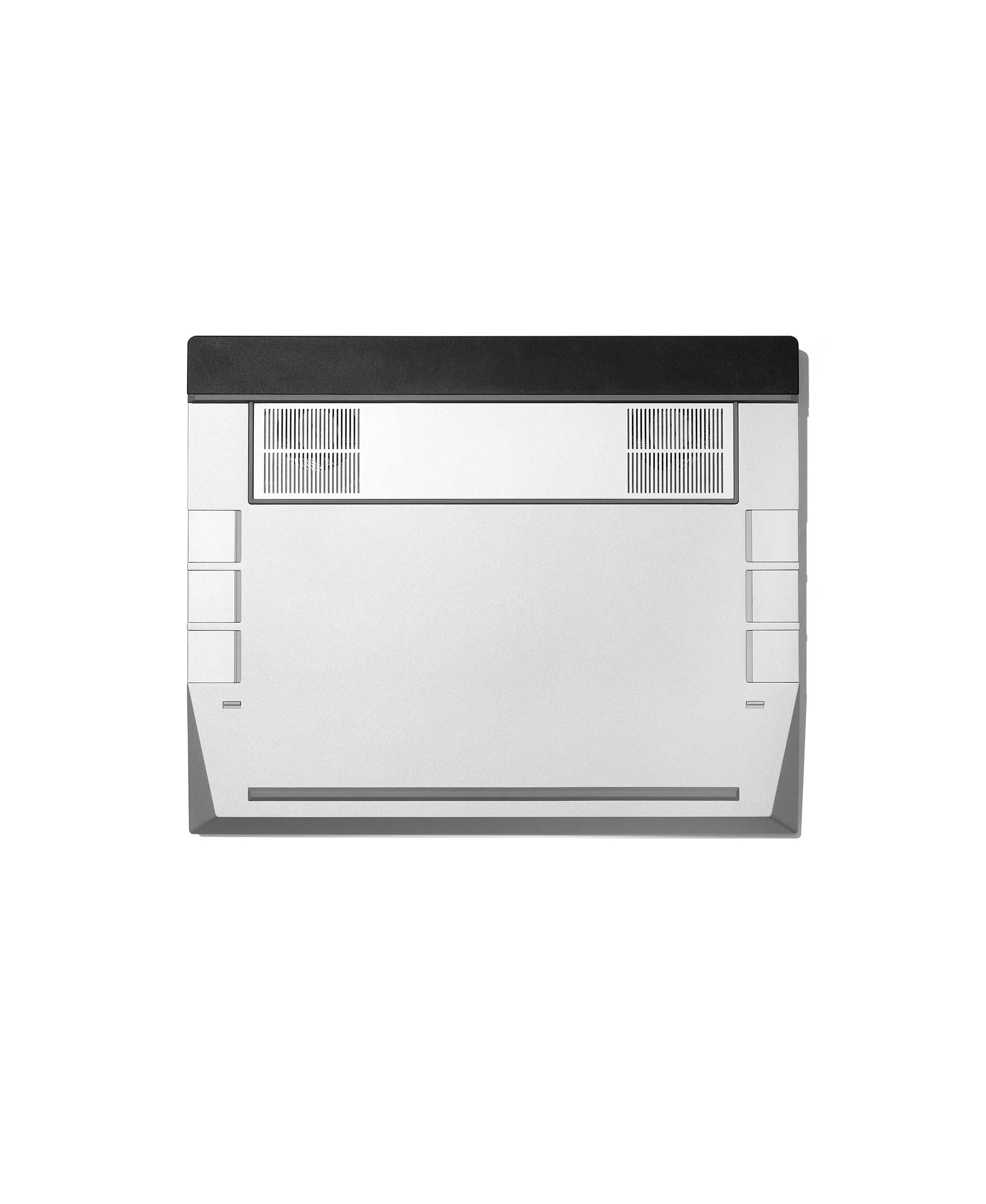
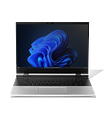
Framework Laptop 16

Framework Laptop 16 (AMD Ryzen™ AI 300 Series)
Ordering more than 1 computer?

For in-stock laptop and desktop configurations: You can add up to five per order.

For pre-order laptop and desktop configurations: We only allow one per pre-order, but there is no limit for the amount of pre-orders per account.

If you are a business customer, need more than five laptops or desktops per order, or have other special requests, please contact us through our support form and we’ll get in contact with you.

Configuration

check_circle error_outline System

Choose an option

FAQs

  • Currently, we only allow one laptop per pre-order, but there is no limit on the number of pre-orders per account. Once a configuration is in stock, you can add up to five laptops per order. If you need more or have special requests, please contact us through our support form, and we’ll reach out to you.
  • Yes! If you ever need more performance in the future, you can upgrade to a new Framework Laptop 16 Mainboard with a new CPU on it. We publish step-by-step guides you can follow to do the upgrade yourself.
expand_more
check_circle error_outline Expansion Bay Module

Choose an option

FAQs

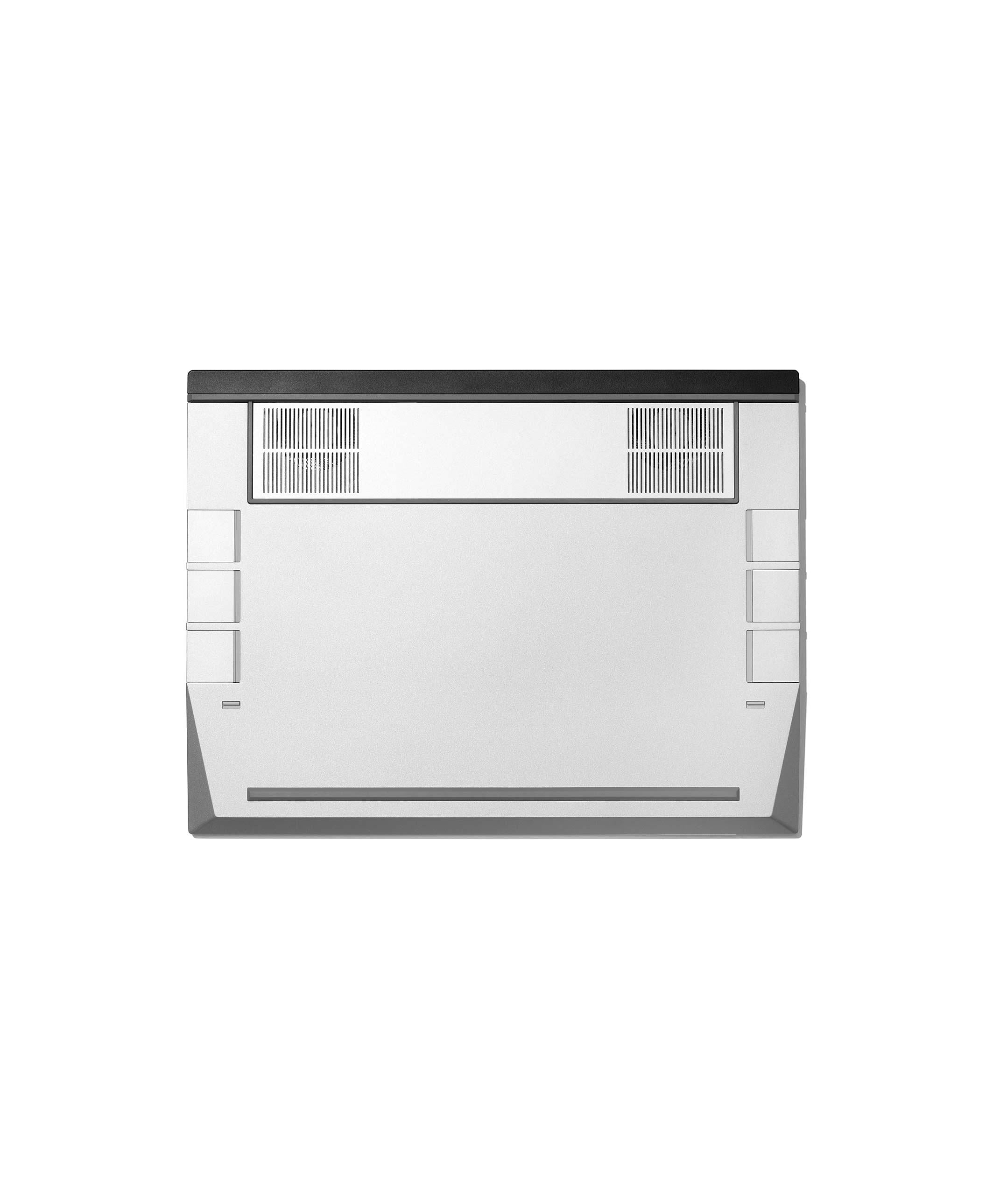
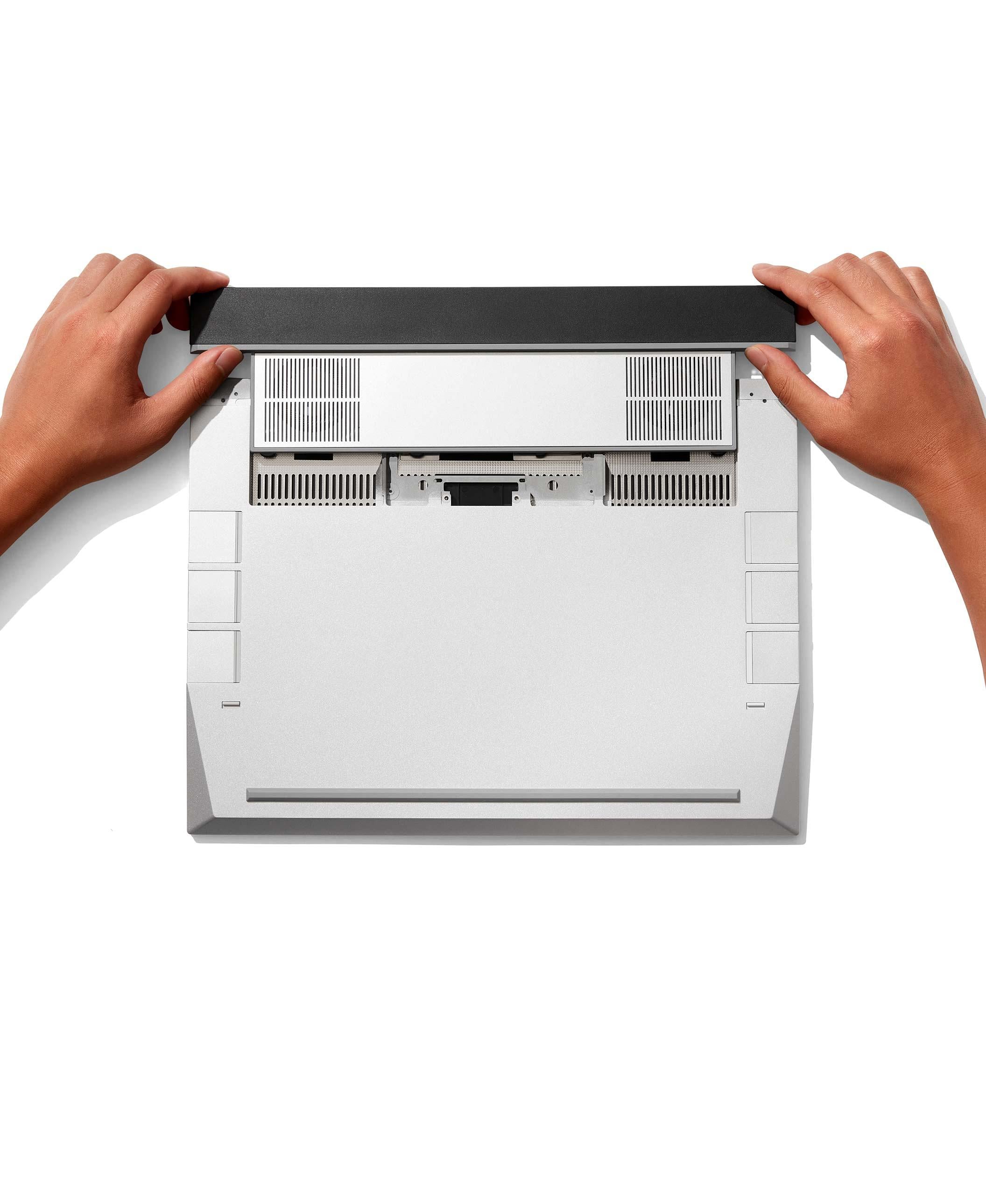
  • The Graphics Module can be populated in the Expansion Bay to enable high-performance discrete graphics for heavy gaming, creation, and simulation workloads. The Expansion Bay Shell is the default Expansion Bay Module that provides cooling to the system, and has an empty card area for accessories.
  • Yes! If you ever need more graphics performance in the future or if you purchase your Framework Laptop 16 with only an Expansion Bay Shell, you can upgrade to a new Graphics Module with a new GPU installed. We publish step-by-step guides you can follow to perform the upgrade yourself.
  • Yes! We'll be adding new Expansion Cards over time, and we've also opened up the design to enable third parties and community members to create their own versions. We'll be making these available in the Framework Marketplace over time.
expand_more
check_circle error_outline Power Adapter Region

Choose an option

expand_more

Customization

check_circle error_outline Touchpad

Choose an option

FAQs

  • The Framework Laptop 16 Three Piece Touchpad Module, introduced in 2023, is a Windows Precision Touchpad Module with a 122.6×76.6mm touch surface and a matte glass finish. It uses a traditional clickpad design and does not have haptic capability. The module is accompanied by two spacers, which allow you to position the touchpad aligned to the left, right, or center, providing modularity and layout flexibility.

    The Framework Laptop 16 One Piece Haptic Touchpad Module, introduced in 2026, features a 124.0mm x 77.0mm touch surface and includes haptic capability. The touchpad module itself is always aligned in the middle, and spacers are not required for installation, allowing the keyboard to be installed in the middle or aligned to the left. This design provides a more seamless, integrated feel across the bottom row.
  • Choose the Three Piece Touchpad Module if you prefer modularity and flexible positioning, or want a smaller traditional clickpad surface that can be aligned to the left, right, or center.

    Choose the One Piece Haptic Touchpad Module if you want haptic feedback and a more seamless bottom-row experience, with a single module that covers the entire lower half of the midplate and requires no spacers.

    Both options are fully compatible with all Framework Laptop 16 configurations.
expand_more
check_circle error_outline Touchpad

Choose an option

FAQs

  • The Framework Laptop 16 Three Piece Touchpad Module, introduced in 2023, is a Windows Precision Touchpad Module with a 122.6×76.6mm touch surface and a matte glass finish. It uses a traditional clickpad design and does not have haptic capability. The module is accompanied by two spacers, which allow you to position the touchpad aligned to the left, right, or center, providing modularity and layout flexibility.

    The Framework Laptop 16 One Piece Haptic Touchpad Module, introduced in 2026, features a 124.0mm x 77.0mm touch surface and includes haptic capability. The touchpad module itself is always aligned in the middle, and spacers are not required for installation, allowing the keyboard to be installed in the middle or aligned to the left. This design provides a more seamless, integrated feel across the bottom row.
  • Choose the Three Piece Touchpad Module if you prefer modularity and flexible positioning, or want a smaller traditional clickpad surface that can be aligned to the left, right, or center.

    Choose the One Piece Haptic Touchpad Module if you want haptic feedback and a more seamless bottom-row experience, with a single module that covers the entire lower half of the midplate and requires no spacers.

    Both options are fully compatible with all Framework Laptop 16 configurations.
expand_more
check_circle error_outline Keyboard

Choose an option

FAQs

  • All Framework Laptop 16 keyboards are backlit and have 1.5mm key travel. They're designed for flexibility and performance, supporting NKRO and leveraging open source QMK firmware on a Raspberry Pi RP2040 microcontroller. The keycaps are made from 30% post-consumer recycled plastics and use a water-based paint process to minimize environmental impact.
  • Yes, you can use hotkeys or QMK-compatible utilities to cycle through lighting effects or create custom effects.
  • Both 1st Gen and 2nd Gen Keyboards have the same hardware. The 2nd Gen Keyboard features new artwork with the Framework logo or a Copilot+ key (English only) and updated firmware. In the future, 1st Gen Keyboard users will be able to update their firmware (which includes a fix to prevent the system from waking while carried in a bag) for compatibility and to achieve the same functionality.
  • Framework Laptop 16 offers a modular experience for customers who wish to customize their input deck by choosing from different keyboard layouts, touchpads, numpad or macropad, LED Matrix sets, or colored spacers. Customers can place their keyboard and touchpad modules in the center, or align them to the left or right in various combinations to personalize the layout to their needs.

    The One Piece Keyboard Module fills the entire upper section of Framework Laptop 16, creating a seamless surface for customers who want a fixed input layout and a minimalist look. This option is ideal if you prefer a clean, consistent typing layout without additional modules.

    If you want maximum flexibility and configurability, such as choosing different language keyboard layouts, adding a numpad or macropad, or including an LED matrix, you should choose a regular keyboard from the Flexible Layout section along with additional input modules.
expand_more
The Framework Laptop 16 input deck can be customized with many keyboard options, the choice is yours. 

Fixed layout
  • One-piece keyboard module features a fixed centered layout.
  • Not compatible with spacers or input modules.
  • Available in US English .

Flexible layout
  • Can be positioned Left, Center, or Right.
  • Requires 2 spacers or 1 medium input modules.
  • Available in multiple languages, as well as clear and blank options.
Fixed Layout
Flexible Layout
check_circle error_outline Input Modules

Choose an option

FAQs

  • While you can order as many input modules as you'd like, at one time, the Framework Laptop 16 can utilize 1 keyboard + 2 small input modules or 1 keyboard + 1 medium input module.
  • Both 1st Gen and 2nd Gen Numpad and RGB Macropad modules share the same hardware and artwork. The 2nd Gen modules feature updated firmware, which includes a fix to prevent the system from waking while being carried in a bag. 1st Gen Numpad and RGB Macropad users will be able to update their firmware in the future for compatibility and to gain the same functionality.
expand_more
You need to select 2 Spacers or 1 medium Input Module to configure your laptop. Top row modules and their positions can be swapped at any time. The bottom row cannot be customized with other modules and must use the default Touchpad Module and 2 aluminum Touchpad Spacers. You will have the option to add extra modules later.
Spacer modules
Black
Black spacer

Black spacer

(Sold individually) Cosmetic spacers may not add functionality, but they do look cool. Pick your favorite colors, match your Bezel, or choose alternative materials. Small-sized Input Module.

+$10
Orange
Orange spacer

Orange spacer

(Sold individually) Cosmetic spacers may not add functionality, but they do look cool. Pick your favorite colors, match your Bezel, or choose alternative materials. Small-sized Input Module.

+$15
Gray
Gray spacer

Gray spacer

(Sold individually) Cosmetic spacers may not add functionality, but they do look cool. Pick your favorite colors, match your Bezel, or choose alternative materials. Small-sized Input Module.

+$15
Lavender
Lavender spacer

Lavender spacer

(Sold individually) Cosmetic spacers may not add functionality, but they do look cool. Pick your favorite colors, match your Bezel, or choose alternative materials. Small-sized Input Module.

+$15
LED Matrix
LED Matrix Input Module

LED Matrix Input Module

(Sold individually) The LED Matrix Input Module can be endlessly customized - track your battery life levels, set a timer, have a flashing notification alert, scroll text or even play a game of snake. The open source firmware and interface APIs make it easy for you to personalize and create your own features.

+$55
Medium modules
Numpad (2nd Gen)
Numpad

Numpad

Black keys with a togglable white backlight. 1.5 mm key travel and NKRO support. Runs QMK firmware, enabling you to configure to any layout. Medium Input Module.

+$39
RGB Macropad (2nd Gen)
RGB Macropad

RGB Macropad

Clear keys with a RGB backlight. 1.5mm key travel and NKRO support. Use hotkeys or QMK utilities to cycle through lighting effects. Runs QMK firmware, enabling you to configure to any layout. Medium-sized Input Module.

+$79

Expansion Cards

check_circle error_outline Expansion Cards

Choose at least 6

FAQs

  • 1st Gen was slightly faster than 2nd Gen, but we switched due to the original flash chip being discontinued. Now that 2nd Gen's flash parts are also nearing end of life, our supplier has secured more of the original 1st Gen chips, allowing us to resume its production.
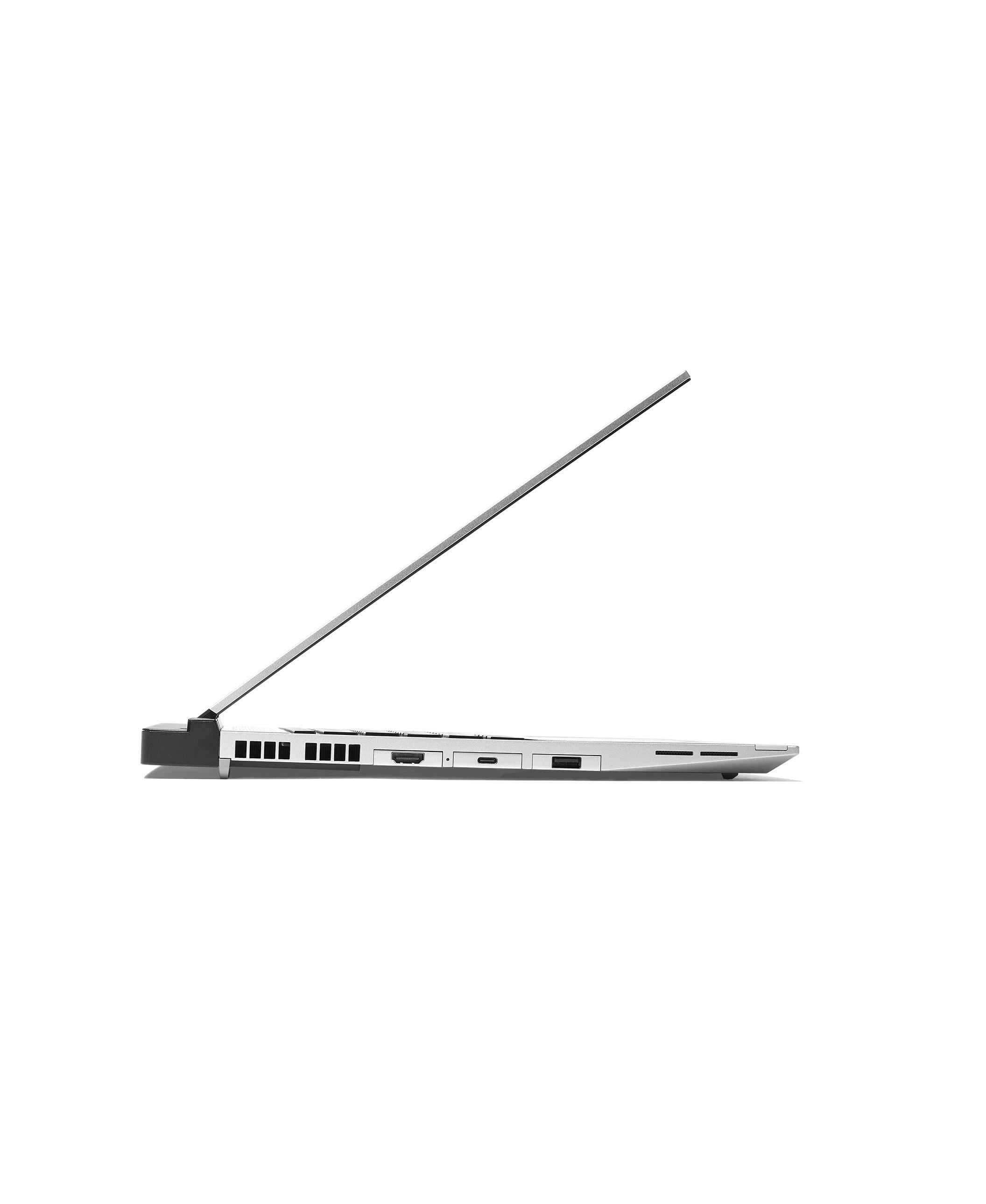
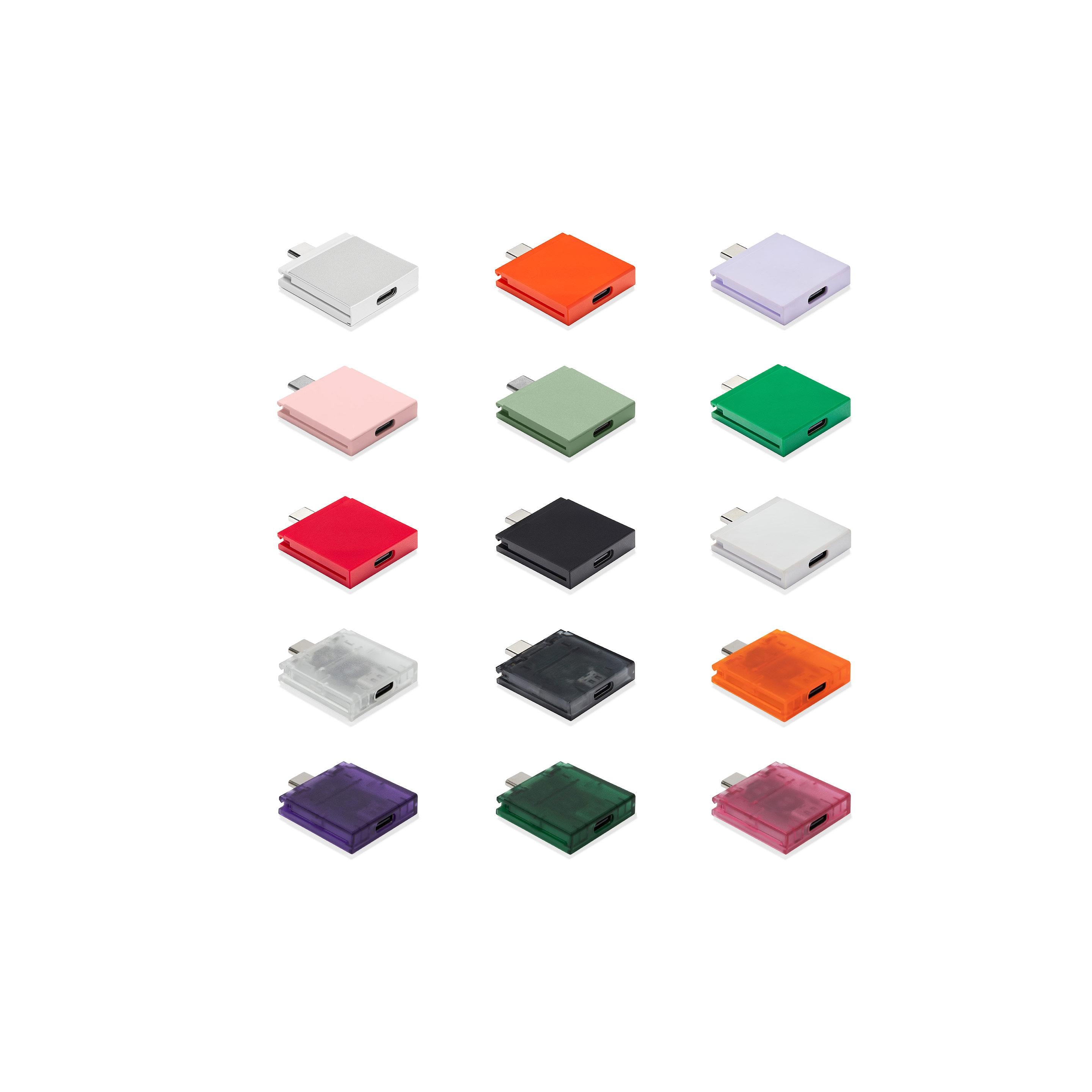
  • Framework Expansion Cards allow you to customize the ports and functionality of the Framework Laptop 16. Unlike other notebooks that require adapters and dongles to get to the ports you need, you can select the ones you want at order time and change them whenever you’d like. The Framework Laptop 16 supports six simultaneous Expansion Cards, with three on each side. You can select up to six USB-A, USB-C, HDMI, DisplayPort, MicroSD, Ethernet, Audio, 1TB storage, or 250GB storage cards to fit your needs.
  • The Framework Laptop 16 charges over USB-C from the back four Expansion Card bays and from the USB-C slot on the NVIDIA® GeForce RTX™ 5070 Graphics Module. We suggest configuring with at least one USB-C Expansion Card unless you have this graphics module, since it is difficult to directly plug into the recessed USB-C receptacle that is inside the bay.
  • Yes, if you plan to use wired 3.5mm headphones, you will need an Audio Expansion Card. You can also use Bluetooth headphones or USB headphones without an Audio Expansion Card.
  • You can, but we don't recommend it. There are six Expansion Card slots on the Framework Laptop 16, so we suggest you have one for each.
expand_more
We recommend ordering at least six Expansion Cards.

If you are configuring your laptop with an AMD Graphics Module or Expansion Bay Shell, be sure to include at least one USB-C Expansion Card for charging. The NVIDIA® Graphics Module has a built-in USB-C charging port on the rear, so no additional USB-C Expansion Card is required.

If you need an audio/headphone jack, make sure to select an Audio Expansion Card, as the Framework Laptop 16 does not include a built-in audio jack.
Port Expansion Cards
USB-C New colors available
+$10
USB-A
USB-A Expansion Card

USB-A Expansion Card

Giving you access to the broad range of USB-A devices in the world at up to USB 3.2 Gen 2 speeds.

+$10
HDMI (3rd Gen)
HDMI (3rd Gen) Expansion Card

HDMI (3rd Gen) Expansion Card

The HDMI (3rd Gen) Expansion Card has been reoptimized to reduce system power consumption, improving battery life. Supports HDMI 2.0b for resolutions up to 4k 60Hz, along with audio output.

+$22
Ethernet
Ethernet Expansion Card

Ethernet Expansion Card

Supporting 2.5Gbit/s and 10/100/1000Mbit/s Ethernet, the Ethernet Expansion Card gives you ultra fast and reliable networking over an RJ45 jack.  The clear housing lets you peek at the RTL8156 controller that powers it.

+$39
DisplayPort (2nd Gen)
DisplayPort (2nd Gen) Expansion Card

DisplayPort (2nd Gen) Expansion Card

The DisplayPort (2nd Gen) Expansion Card has optimized firmware to reduce system power consumption, improving laptop battery life. 

+$19
MicroSD (2nd Gen)
MicroSD Expansion Card

MicroSD Expansion Card

Supporting MicroSD UHS-I and UHS-II cards. Designed to reduce power consumption when a card is not inserted.

+$19
SD
SD Expansion Card

SD Expansion Card

The SD Expansion Card supports UHS-I and UHS-II, letting you transfer data to and from SD Cards of all available capacities.

+$25
Audio
Audio Expansion Card

Audio Expansion Card

The Audio Expansion Card contains a 3.5mm headphone jack, which supports audio input and output. This Expansion Card provides increased dynamic range and improved signal to noise ratio in comparison to the Framework Laptop 13 built-in audio jack.

+$19
Storage Expansion Cards
250GB (2nd Gen) - Silver
250GB (2nd Gen) Expansion Card

250GB (2nd Gen) Expansion Card

The 250GB (2nd Gen) and 1TB (2nd Gen) Expansion Cards give you the performance of an internal drive with the flexibility of an external one. With a USB 3.2 Gen 2 interface, both the 1TB (2nd Gen) and 250GB (2nd Gen) cards reach 1000 MB/s read and 800 MB/s write speeds. Both are fast enough to run apps and even boot an operating system from, and you can plug them into other computers for high-speed file transfer.

+$50
1TB (1st Gen) - Silver – 1TB (1st Gen)
Storage Expansion Card

Storage Expansion Card

Ultra high speed storage, available in two capacities.  With a USB 3.2 Gen 2 interface supporting 1000 MB/s read rates and 375 MB/s and 1000 MB/s write rates for 250GB and 1TB respectively. Fast enough to run apps or even boot an operating system from.  Small enough to pop out and take with you. ChromeOS cannot be booted from any Framework Storage Expansion Card.

+$125

Warranty

A 1 year limited warranty is included with all laptop configurations and can be extended to 3 years.

local_shipping Ships within 5 business days ‎ verified_user Limited warranty laptop_chromebook Free shipping on laptop and desktop orders