

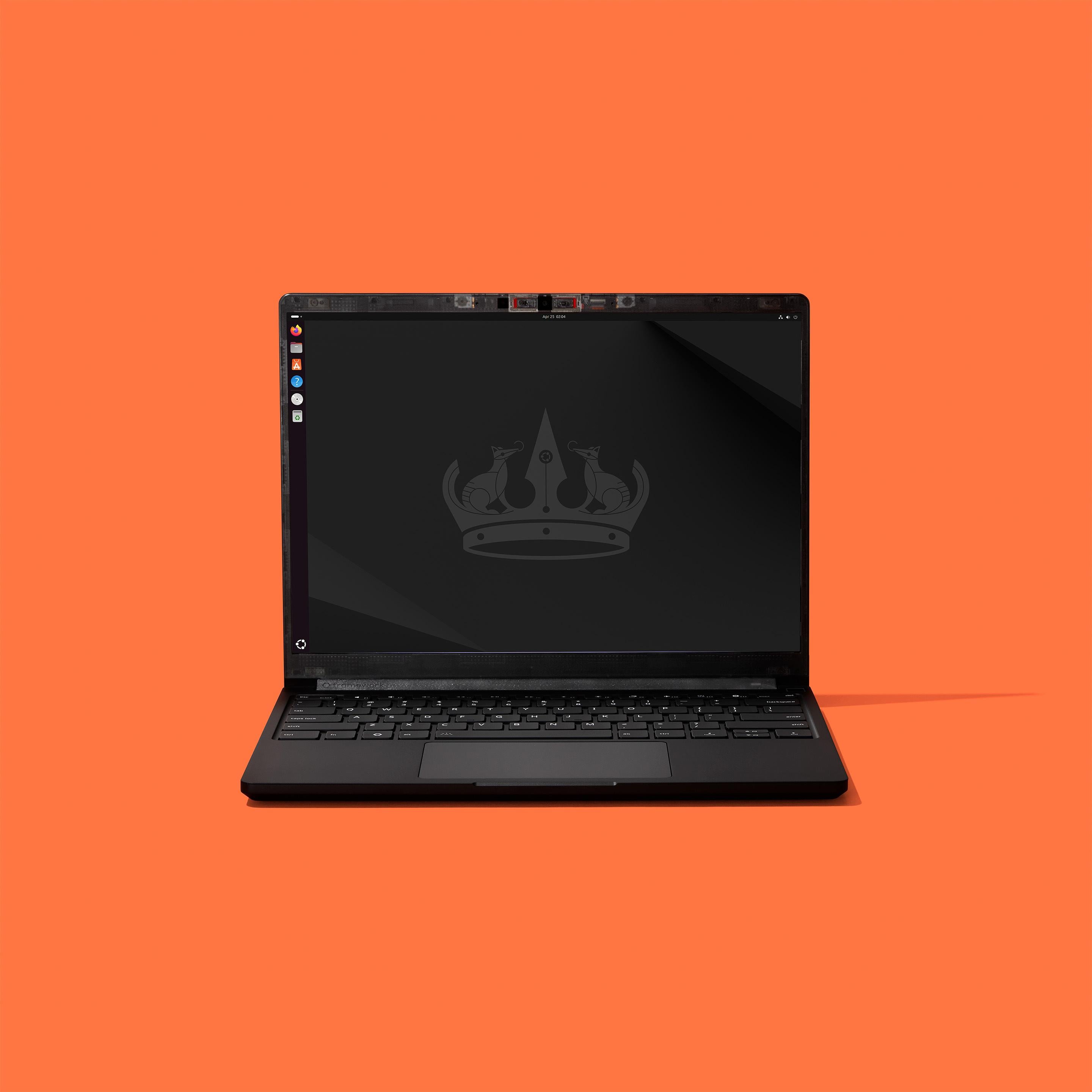
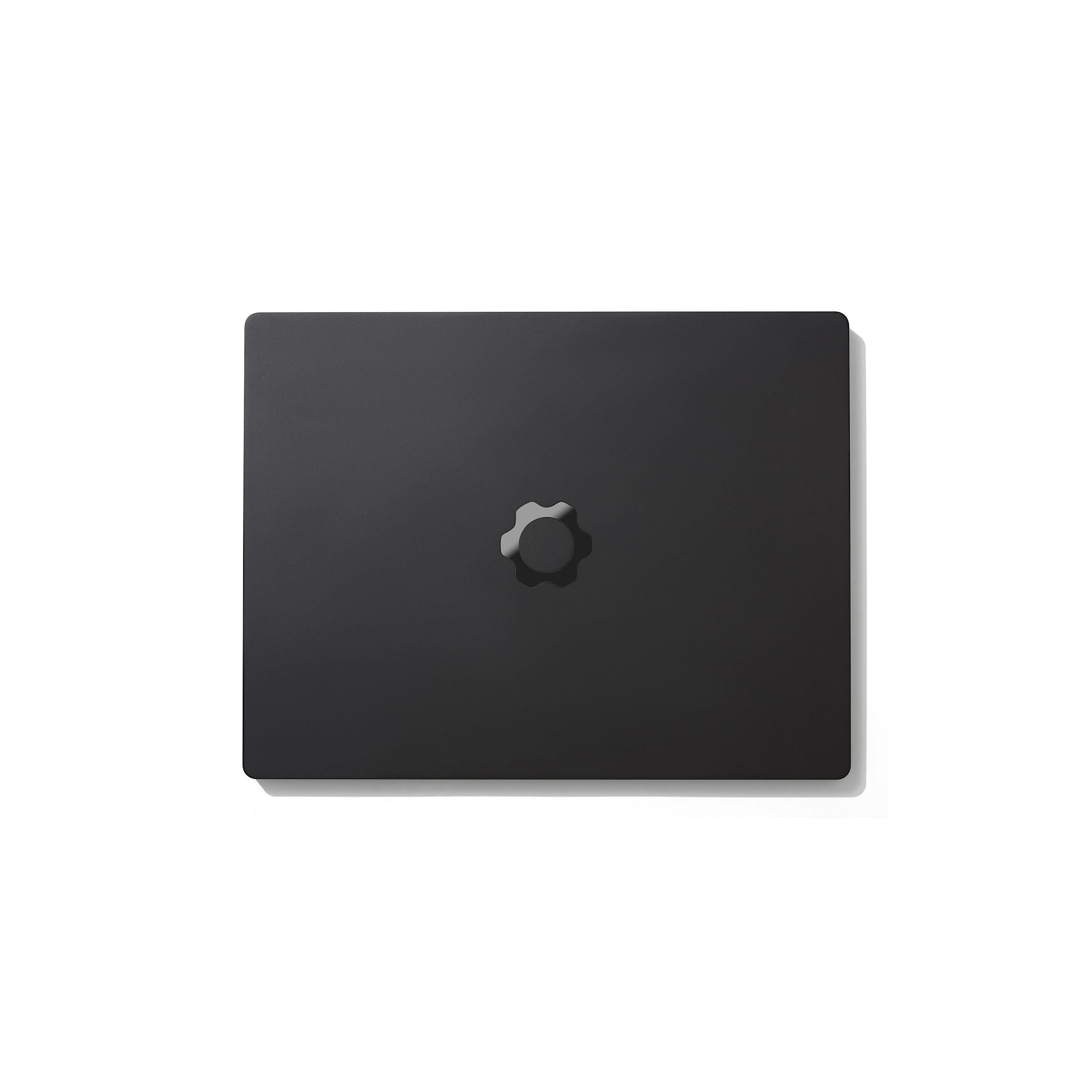
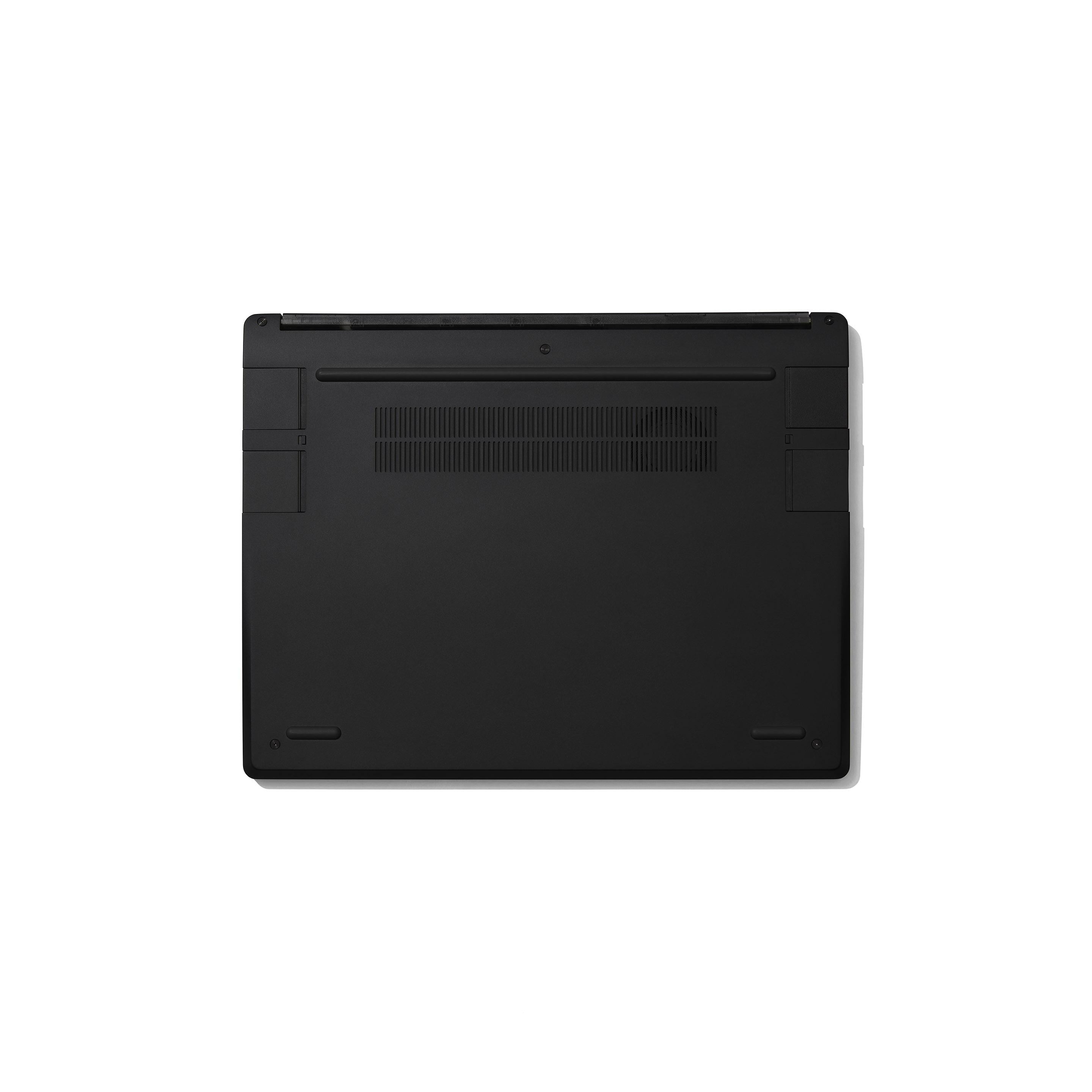
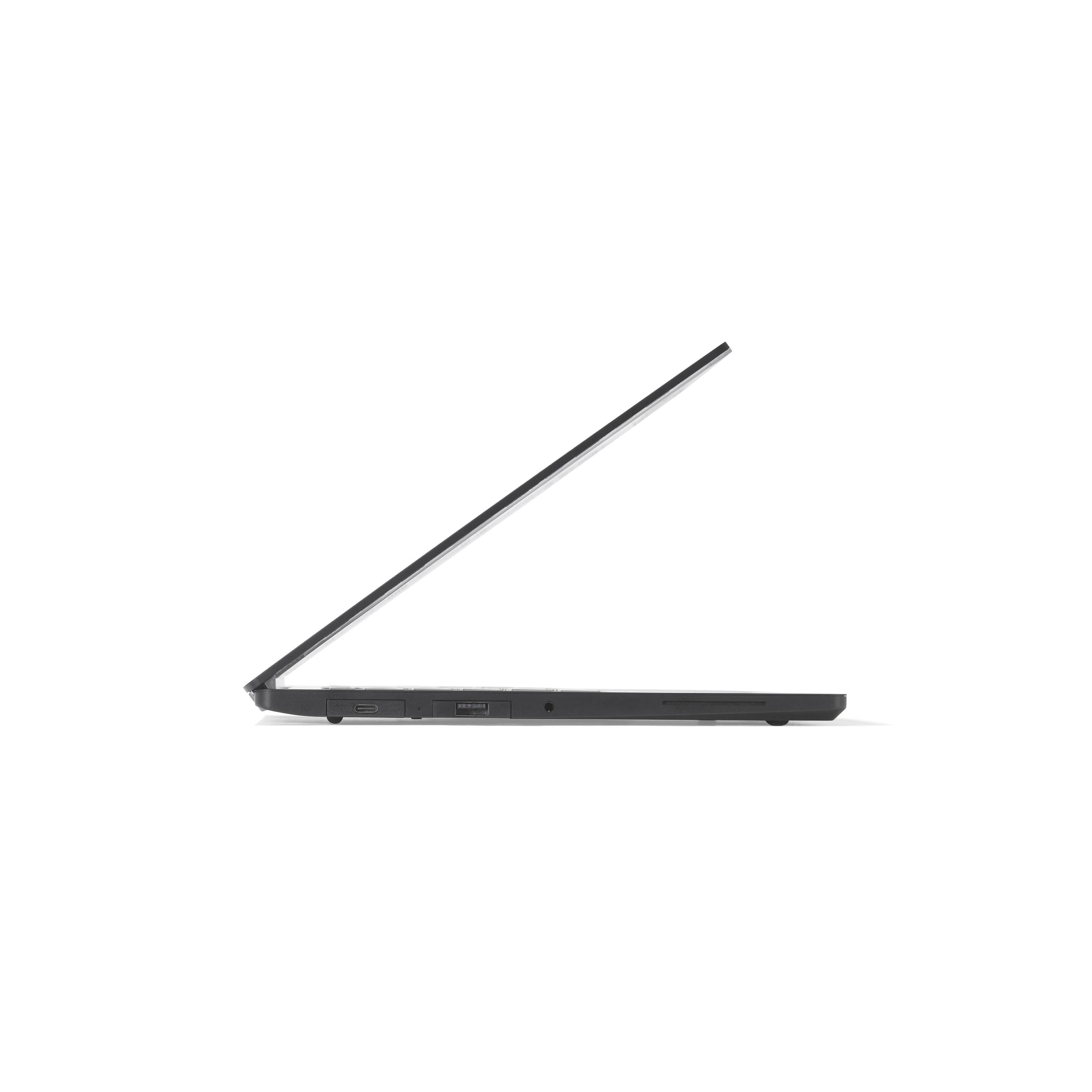
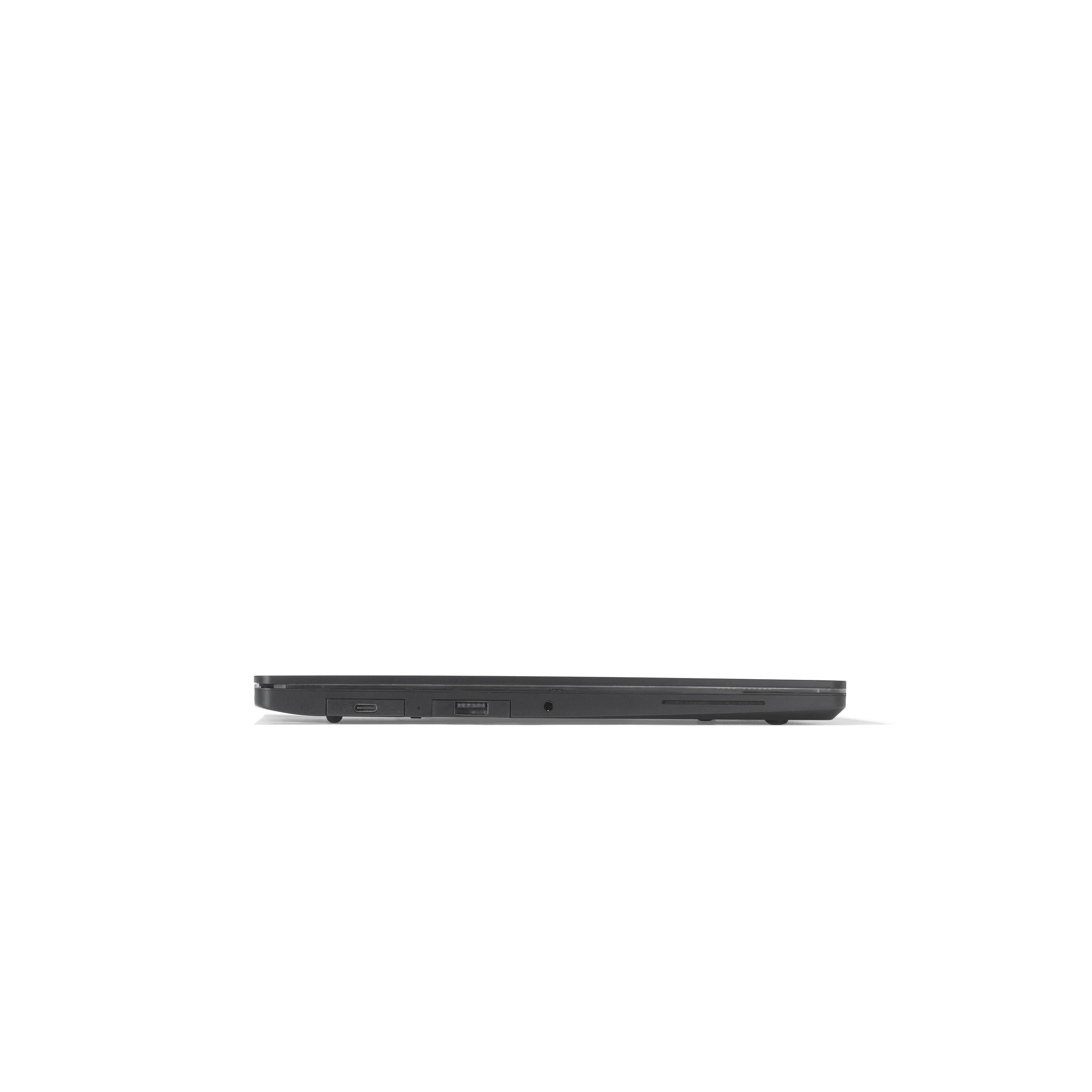
Framework Laptop 13 Pro

Framework Laptop 13 Pro (AMD Ryzen™ AI 300 Series)


Ordering more than 1 computer?

For in-stock laptop and desktop configurations: You can add up to five per order.

For pre-order laptop and desktop configurations: We only allow one per pre-order, but there is no limit for the amount of pre-orders per account.

If you are a business customer, need more than five laptops or desktops per order, or have other special requests, please contact us through our support form and we’ll get in contact with you.

Configuration

check_circle error_outline System

Choose an option

FAQs

  • Both AMD and Intel deliver outstanding performance, and choosing between them ultimately comes down to personal preference and platform needs. Laptops powered by Intel® Core™ Ultra Series 3 and AMD Ryzen™ AI 300 Series share the same premium hardware features, including a 74Wh battery, upgraded speakers, a 2.8K touchscreen display, and a haptic touchpad. Intel® Core™ Ultra Series 3 systems add Dolby Atmos® support (currently on Windows 11) and are compatible with LPCAMM2 LPDDR5X memory and M.2 2280 PCIe® 5.0 SSDs, while AMD Ryzen™ AI 300 Series systems are compatible with DDR5-5600 memory and M.2 2280 PCIe® 4.0 SSDs.
  • The AI 7 350 configuration delivers excellent out-of-the-box performance for most use cases, featuring ample memory and storage alongside a fast CPU for smooth multitasking. The AI 9 HX 370 configuration builds on this with our top-end CPU and doubles the storage and memory of Performance, making it ideal for demanding workloads. All configurations come with Windows 11 Pro, with an optional 3-year limited extended warranty available.
  • Yes! If you ever need more performance in the future, you can upgrade to a new Mainboard with a new CPU on it. We publish step-by-step guides you can follow to do the upgrade yourself.
  • The Framework Laptop 13 Pro features stereo side-firing speakers rated at 2W per channel, designed to deliver clear, balanced audio with plenty of volume for everyday use like music, video playback, and calls.
  • Yes. The Framework Laptop 13 Pro features a 2.8K in-cell touchscreen display with a 13.5″ 3:2 panel at a 2880 × 1920 resolution. It delivers 700nits of typical brightness (600nits minimum), supports a 30–120Hz variable refresh rate, and covers 100% of the sRGB color gamut. The display also includes an ambient contrast ratio surface and per-panel color calibration for consistent, accurate color.
  • Currently on our website, pre-orders are limited to 1, but there is no limit on the number of per orders per account. For larger pre-order quantities, please reach out to B2B sales team using our support form.
expand_more

Customization

check_circle error_outline Keyboard

Choose an option

expand_more
check_circle error_outline Power Adapter

Choose an option

expand_more

Expansion Cards

check_circle error_outline Expansion Cards

Choose any number

FAQs

  • Framework Expansion Cards allow you to customize the ports and functionality of the Framework Laptop 13 Pro. Unlike other notebooks that require adapters and dongles to get to the ports you need, you can select the ones you want at order time and change them whenever you’d like. The Framework Laptop 13 Pro supports four simultaneous Expansion Cards, with two on each side. Expansion Cards are hot swappable; simply slide and click them into your Framework Laptop with no tools needed.
  • The Framework Laptop 13 Pro supports four simultaneous Expansion Cards, with two on each side. You can select up to four USB-A, USB-C, HDMI, DisplayPort, MicroSD, Ethernet, Audio, 1TB storage, or 250GB storage cards to fit your needs.
  • You can, but we don't recommend it. There are four Expansion Card slots on the Framework Laptop 13 Pro so we suggest you have one for each.
  • The Framework Laptop 13 Pro charges over USB-C from any one of the four Expansion Card slots. We suggest configuring with at least one USB-C Expansion Card, since it is difficult to directly plug into the recessed USB-C receptacle that is inside the bay.
  • Yes! We'll be adding new Expansion Cards over time, and we've also opened up the design to enable third parties and community members to create their own versions. We'll be making these available in the Framework Marketplace over time.
expand_more
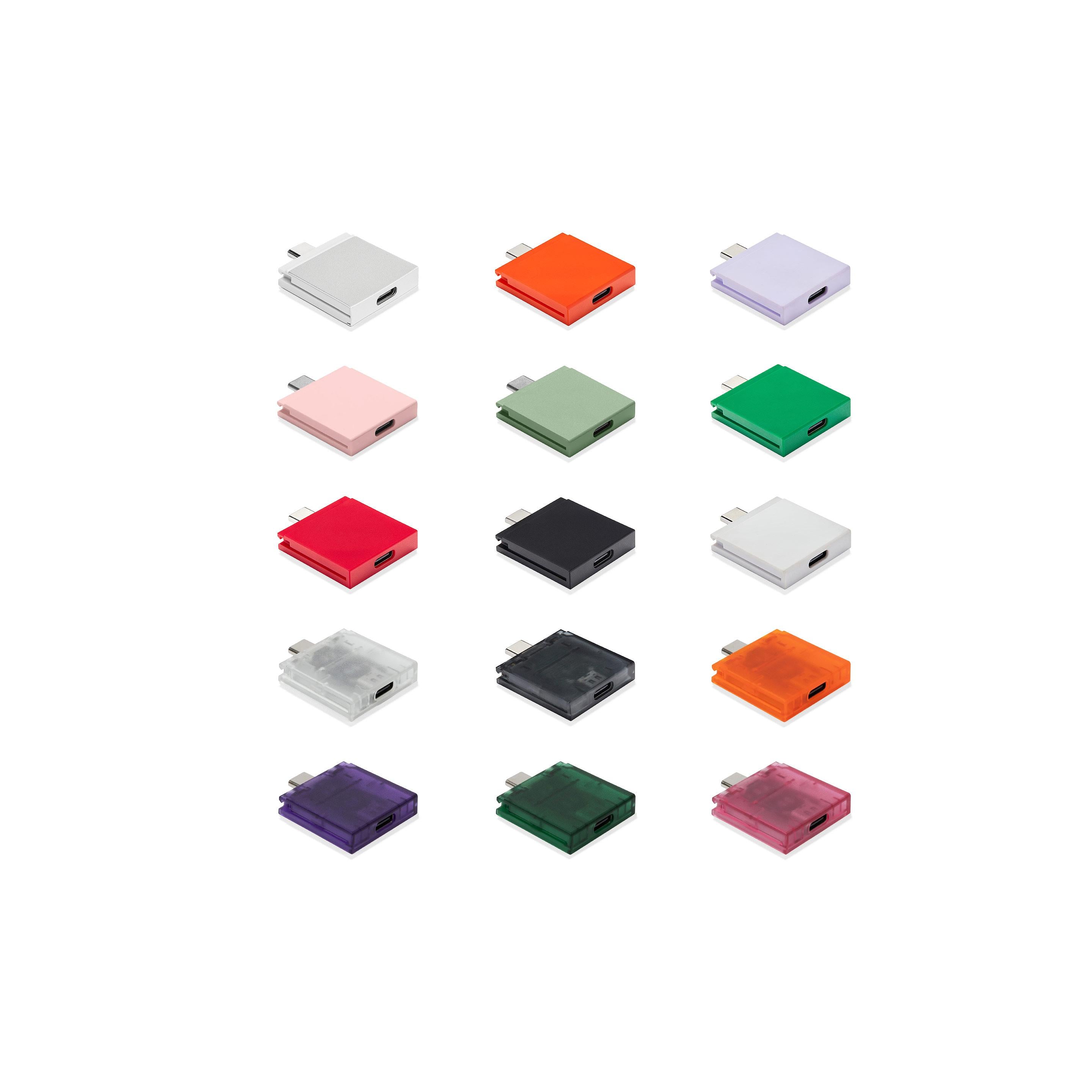
Each card can be used in any of the 4 Expansion Card bays on the Framework Laptop 13 Pro.
We suggest ordering 4 or more Expansion Cards, and that at least 1 is a USB-C Expansion Card for charging the laptop.
Most popular combination
2x USB-C (Aluminum - Graphite), USB-A (2nd Gen) - Aluminum - Graphite, HDMI (3rd Gen) - Aluminum - Graphite
Additional Port Expansion Cards
USB-C New colors available
+$10
USB-A (2nd Gen)
USB-A (2nd Gen) Expansion Card

USB-A (2nd Gen) Expansion Card

The USB-A (2nd Gen) Expansion Card detects when no devices are plugged in, letting the system reduce power consumption and improve battery life while giving you access to devices like keyboards, mice, thumb drives, and more using USB-A connections at up to USB 3.2 Gen 2 speeds. Available in silver and graphite.

+$10
HDMI (3rd Gen)
HDMI (3rd Gen) Expansion Card

HDMI (3rd Gen) Expansion Card

The HDMI (3rd Gen) Expansion Card has been reoptimized to reduce system power consumption, improving battery life. Supports HDMI 2.0b for resolutions up to 4k 60Hz, along with audio output.

+$22
Ethernet
Ethernet Expansion Card

Ethernet Expansion Card

Supporting 2.5Gbit/s and 10/100/1000Mbit/s Ethernet, the Ethernet Expansion Card gives you ultra fast and reliable networking over an RJ45 jack.  The clear housing lets you peek at the RTL8156 controller that powers it.

+$39
WisdPi 10G Ethernet
WisdPi 10G Ethernet Expansion Card

WisdPi 10G Ethernet Expansion Card

Developed in partnership with WisdPi, the 10G Ethernet Expansion Card supports 10Gbit/s and 10/100/1000/2500/5000/10000Mbit/s Ethernet so you can have ultra fast and reliable networking over an RJ45 jack. The black translucent housing lets you peek at the RTL8159 controller that powers it.

+$99
DisplayPort (2nd Gen)
DisplayPort (2nd Gen) Expansion Card

DisplayPort (2nd Gen) Expansion Card

The DisplayPort (2nd Gen) Expansion Card has optimized firmware to reduce system power consumption, improving laptop battery life. 

+$19
MicroSD (2nd Gen)
MicroSD Expansion Card

MicroSD Expansion Card

Supporting MicroSD UHS-I and UHS-II cards. Designed to reduce power consumption when a card is not inserted.

+$19
SD
SD Expansion Card

SD Expansion Card

The SD Expansion Card supports UHS-I and UHS-II, letting you transfer data to and from SD Cards of all available capacities.

+$25
Storage Expansion Cards
250GB (2nd Gen) - Silver
250GB (2nd Gen) Expansion Card

250GB (2nd Gen) Expansion Card

The 250GB (2nd Gen) and 1TB (2nd Gen) Expansion Cards give you the performance of an internal drive with the flexibility of an external one. With a USB 3.2 Gen 2 interface, both the 1TB (2nd Gen) and 250GB (2nd Gen) cards reach 1000 MB/s read and 800 MB/s write speeds. Both are fast enough to run apps and even boot an operating system from, and you can plug them into other computers for high-speed file transfer.

+$50
1TB (1st Gen) - Silver – 1TB (1st Gen)
Storage Expansion Card

Storage Expansion Card

Ultra high speed storage, available in two capacities.  With a USB 3.2 Gen 2 interface supporting 1000 MB/s read rates and 375 MB/s and 1000 MB/s write rates for 250GB and 1TB respectively. Fast enough to run apps or even boot an operating system from.  Small enough to pop out and take with you. ChromeOS cannot be booted from any Framework Storage Expansion Card.

+$125
1TB (2nd Gen) - Graphite
Storage Expansion Card

Storage Expansion Card

Ultra high speed storage, available in two capacities.  With a USB 3.2 Gen 2 interface supporting 1000 MB/s read rates and 375 MB/s and 1000 MB/s write rates for 250GB and 1TB respectively. Fast enough to run apps or even boot an operating system from.  Small enough to pop out and take with you. ChromeOS cannot be booted from any Framework Storage Expansion Card.

+$125

Add-ons

Laptop Sleeve

A simple way to keep your laptop safe from bumps and scratches, with a padded main pocket for protection, a front compartment for Expansion Cards and accessories, and a sturdy handle for easy carry.
Black
+$39
Space Silver
+$39

Warranty

A 1 year limited warranty is included with all laptop configurations and can be extended to 3 years.

monetization_on Cancel your pre-order any time before shipment for a full refund verified_user Limited warranty laptop_chromebook Free shipping on laptop and desktop orders